 Kosh
Every account, one net worth
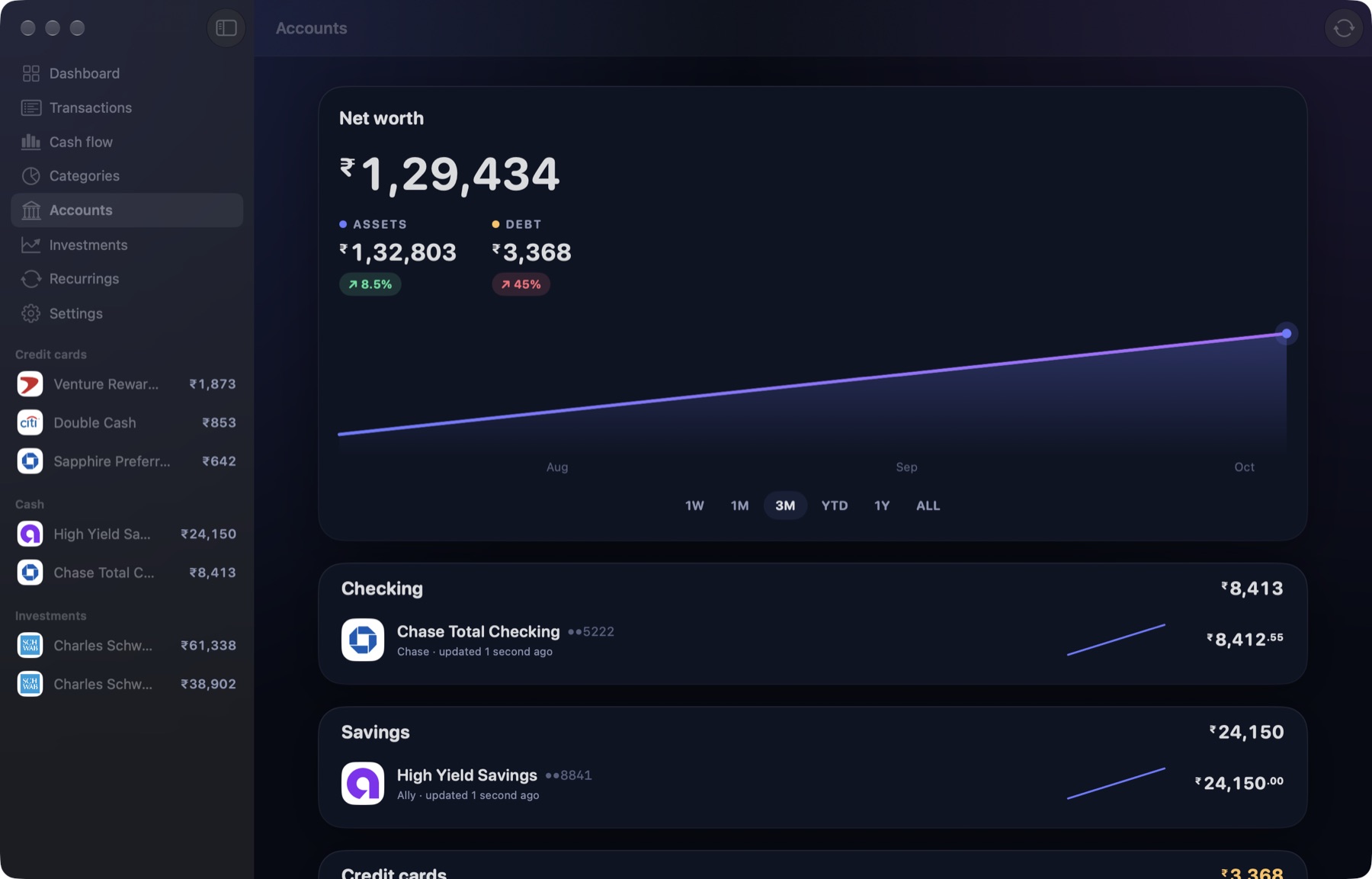
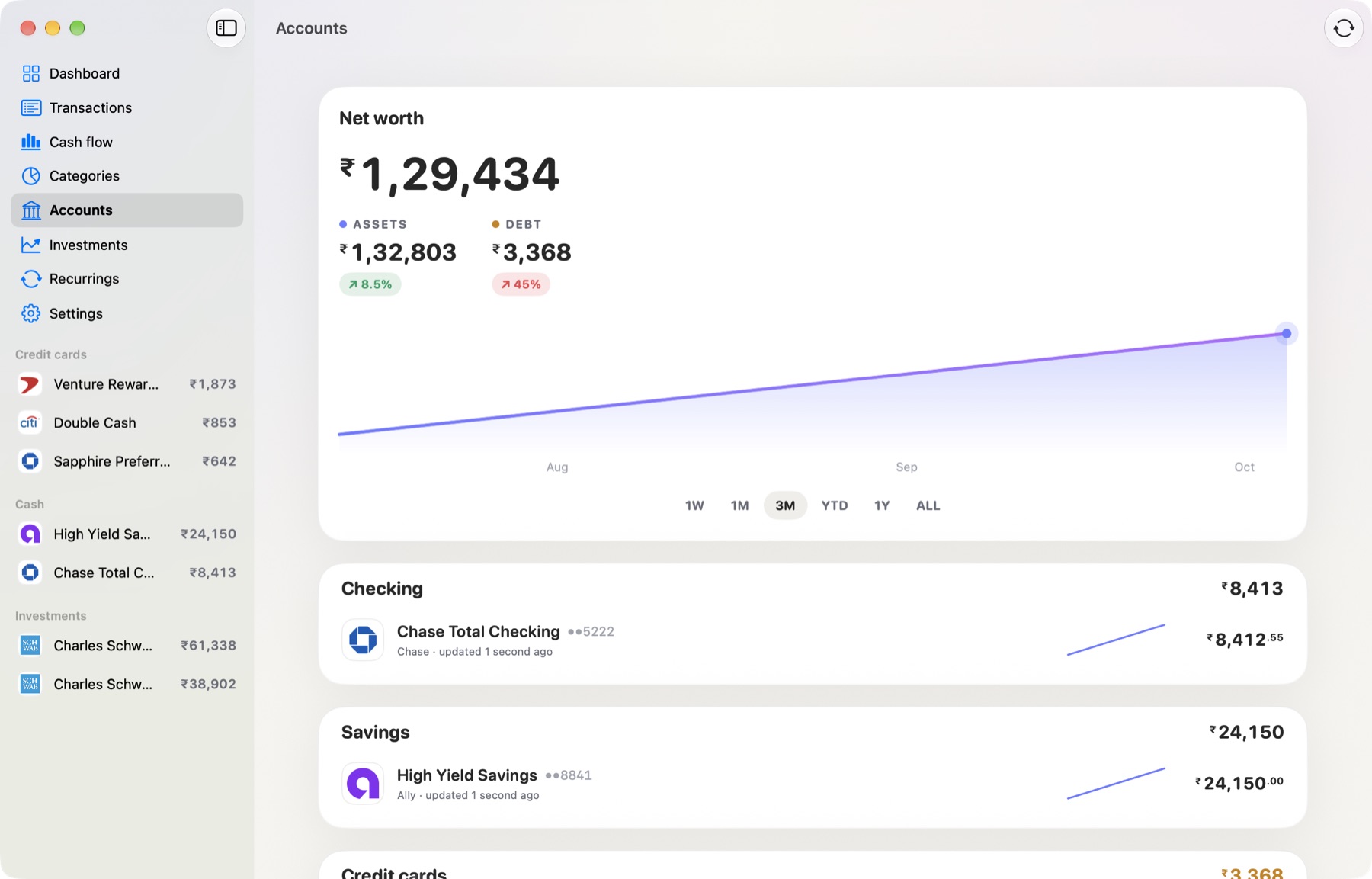
Checking, savings, cards and investments with real bank logos, card art and a net worth chart you can scrub through.
Spending, budgets and net worth on your iPhone and Mac. Your bank data goes to your own devices and iCloud, so there's no copy on our servers to leak.
For Mac and iPhone · US and Canadian banks · Private beta
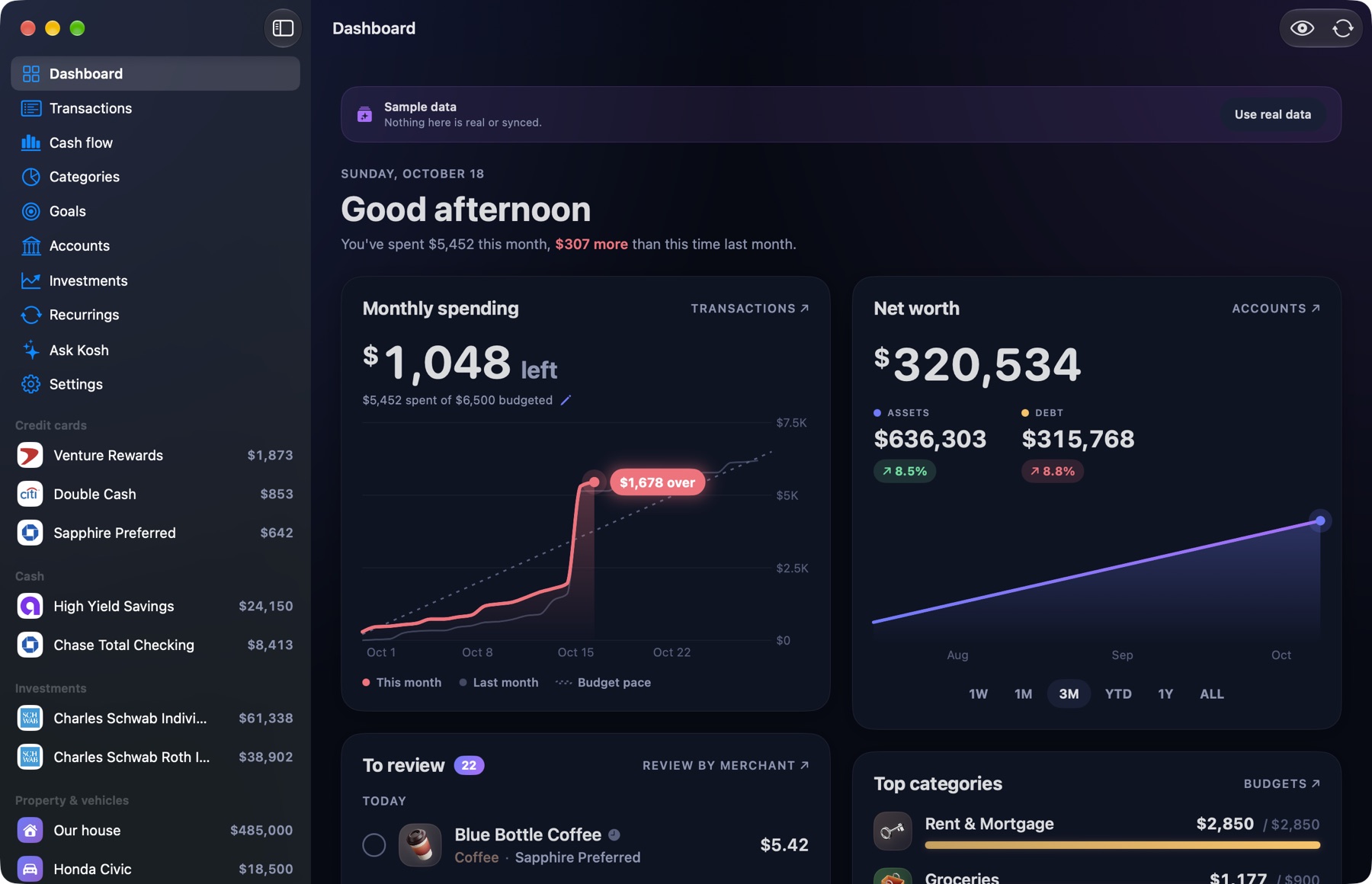
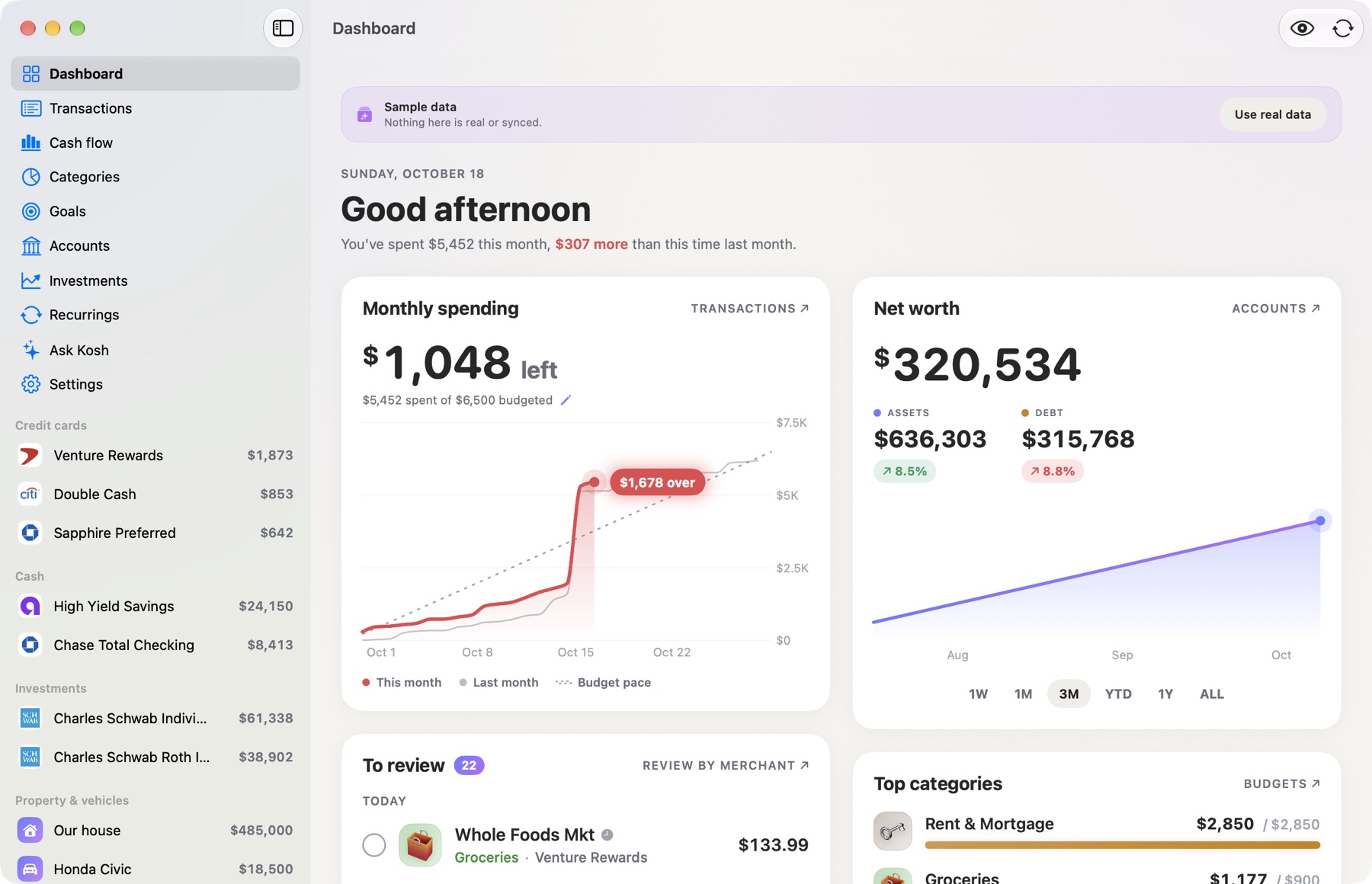
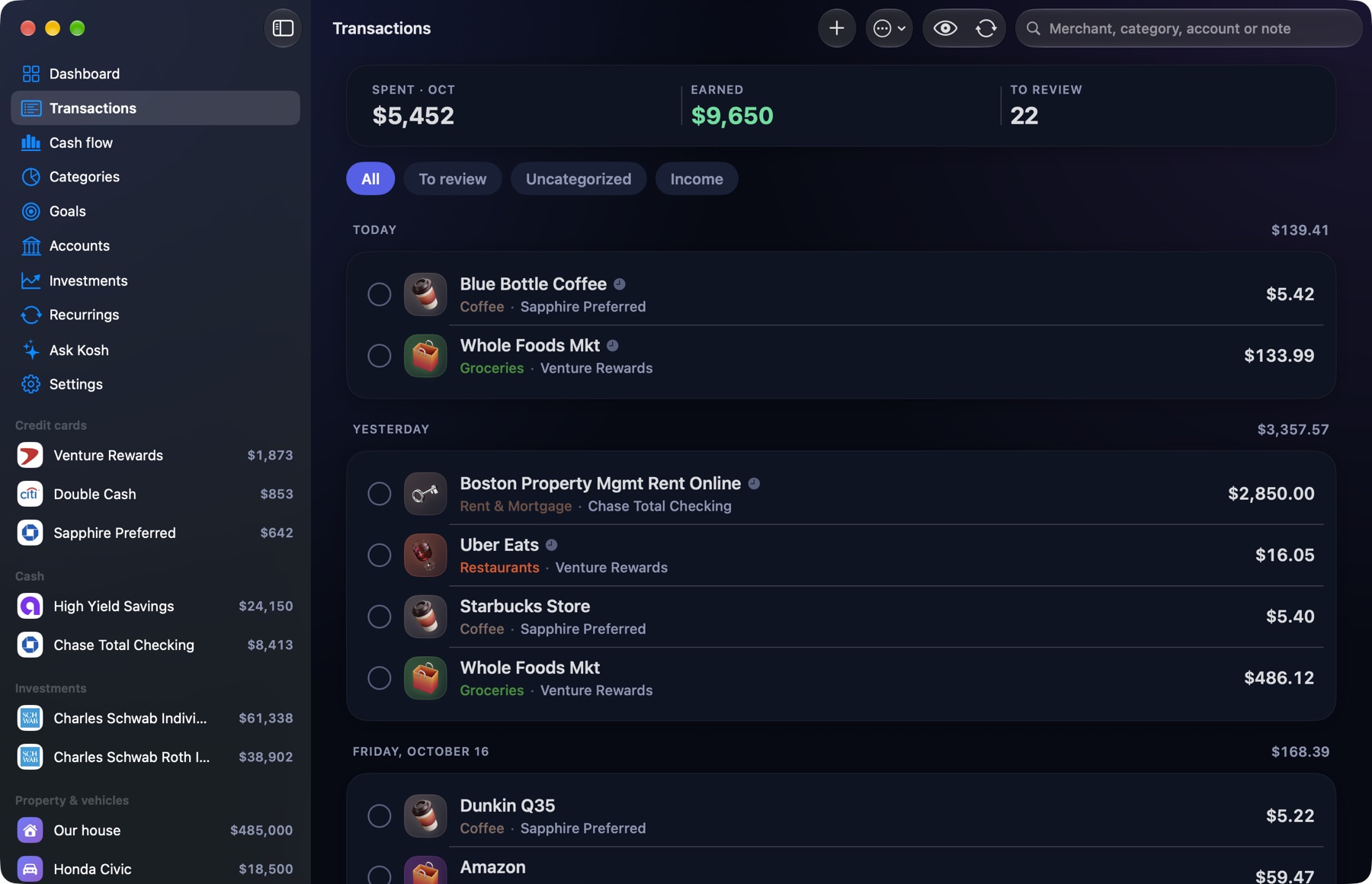
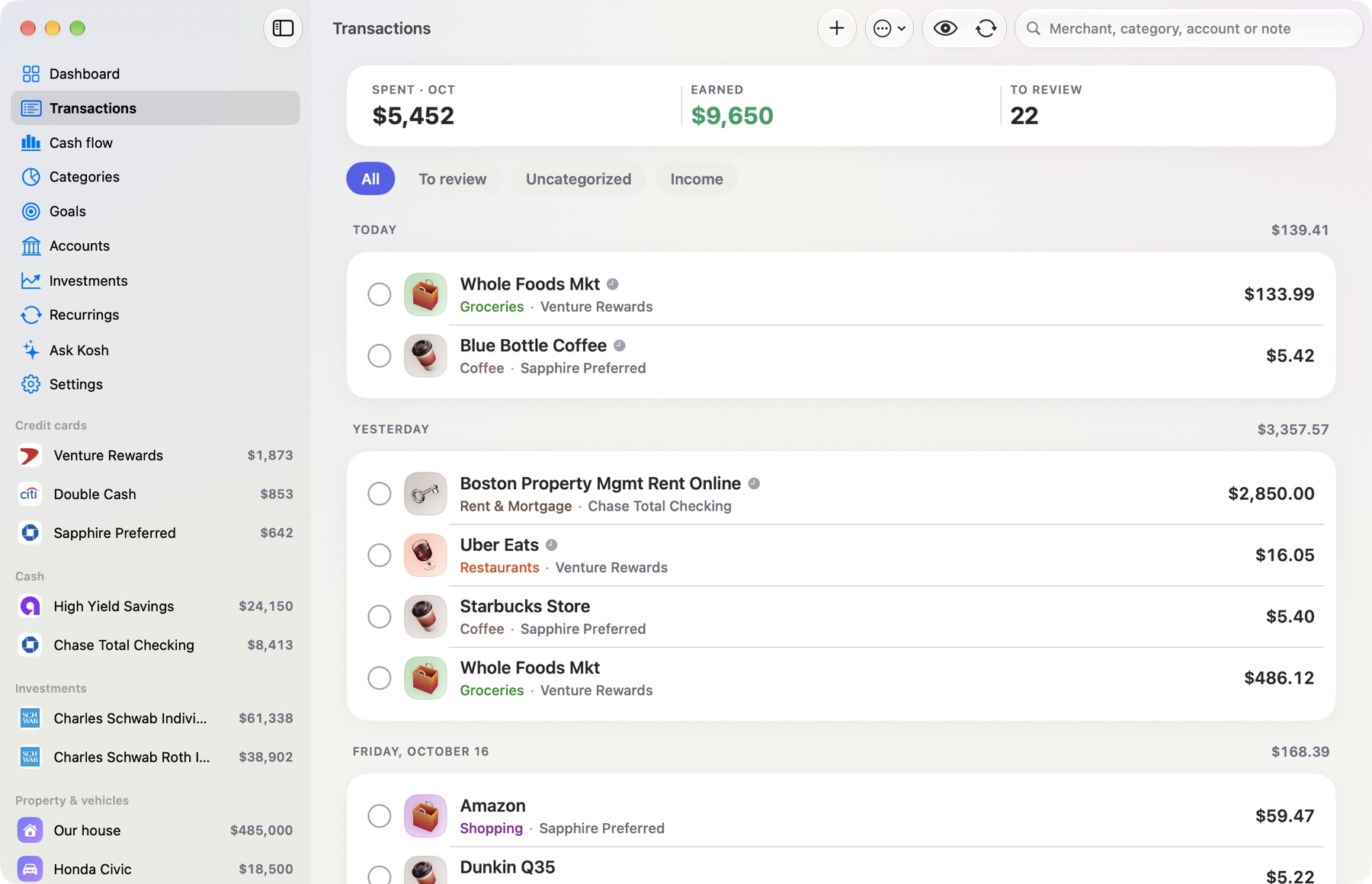
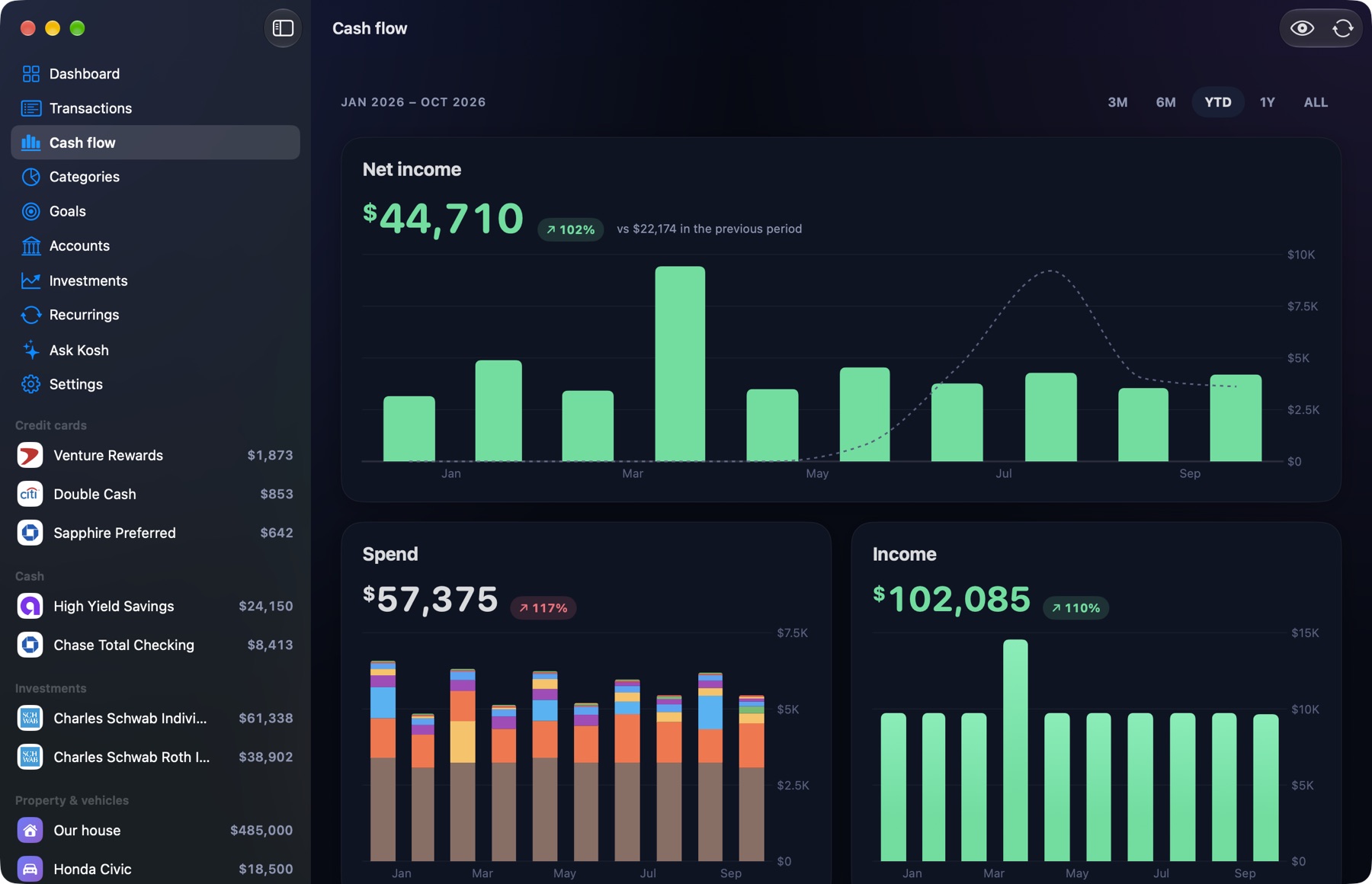
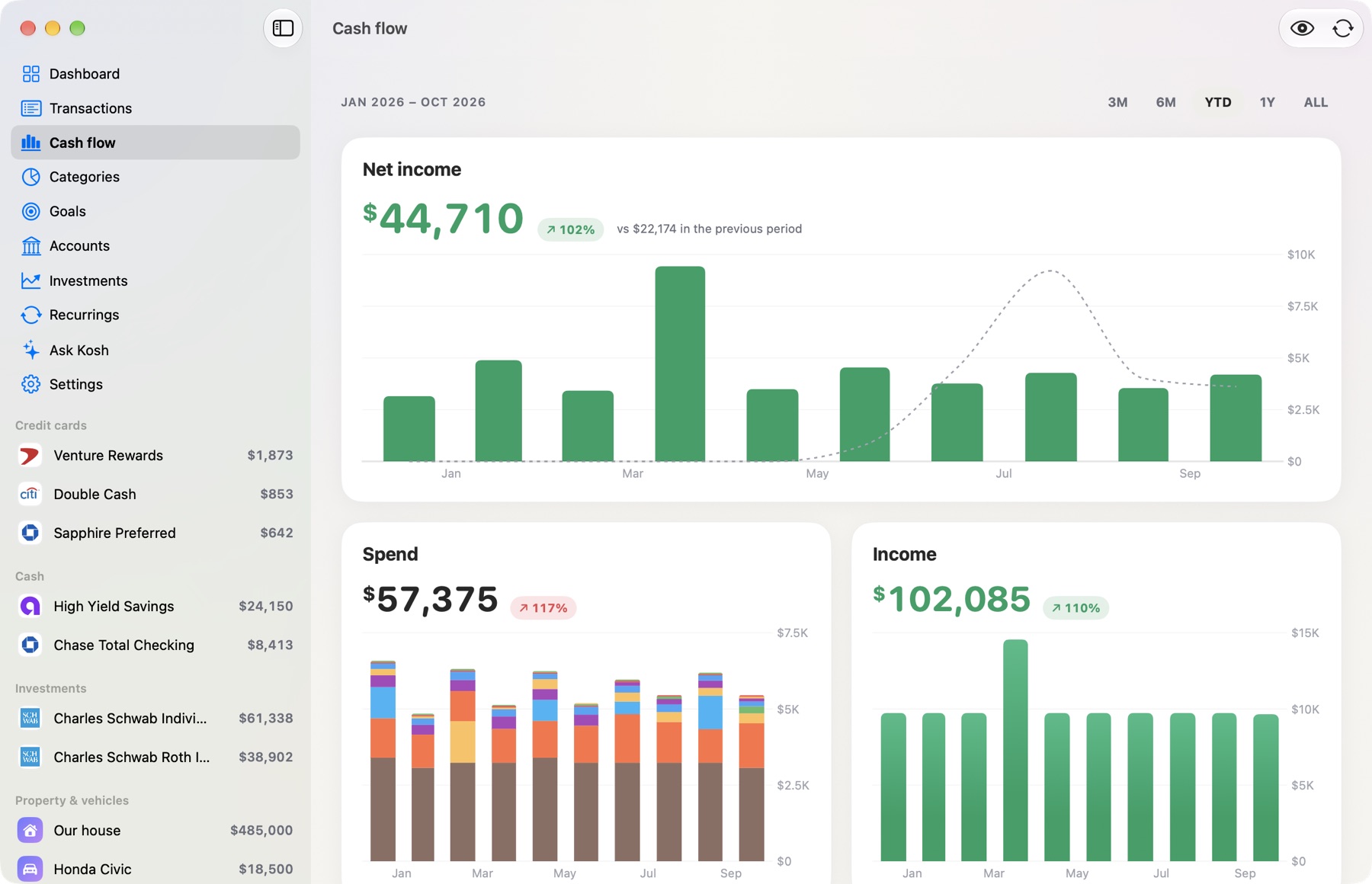
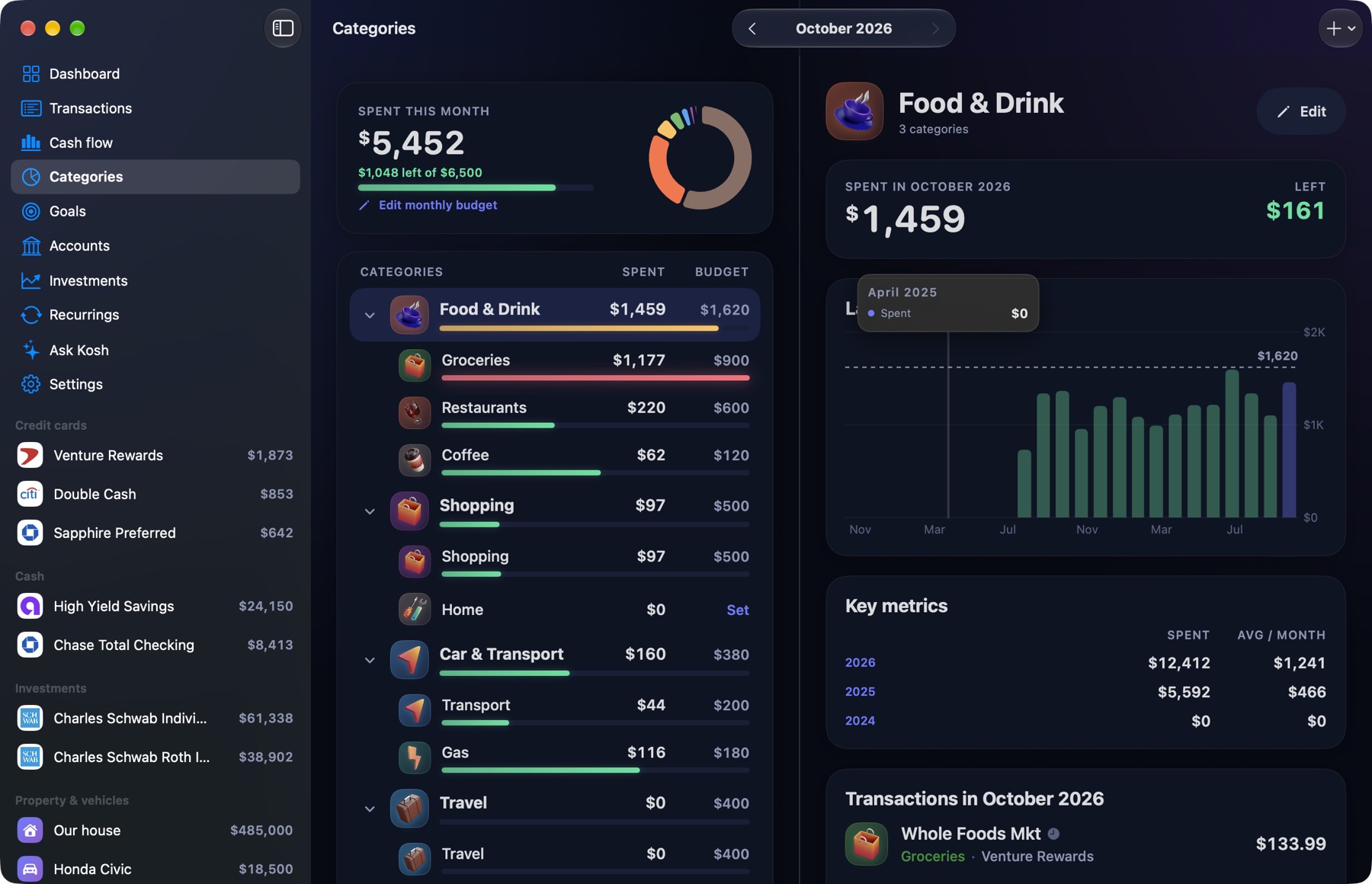
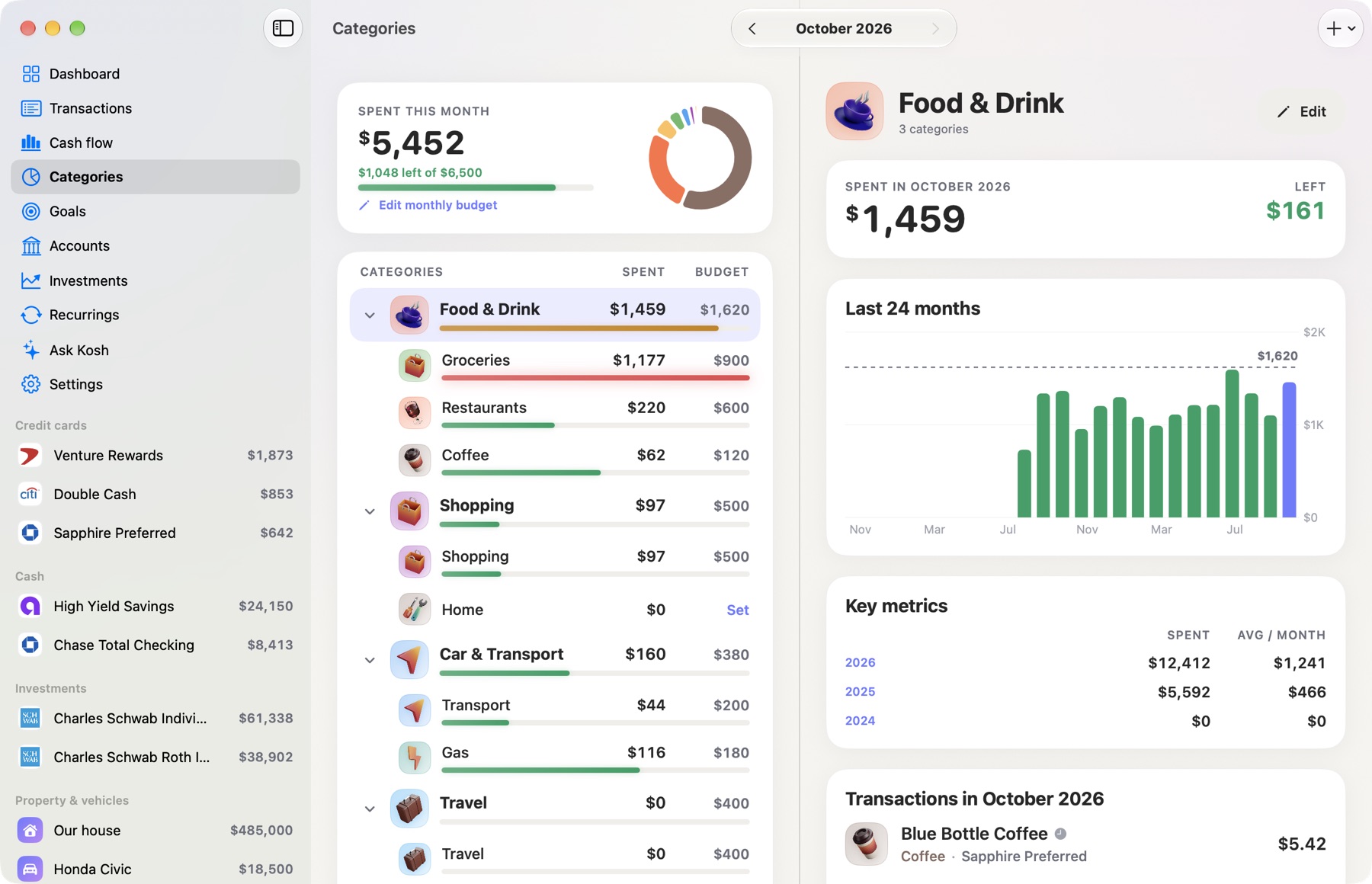
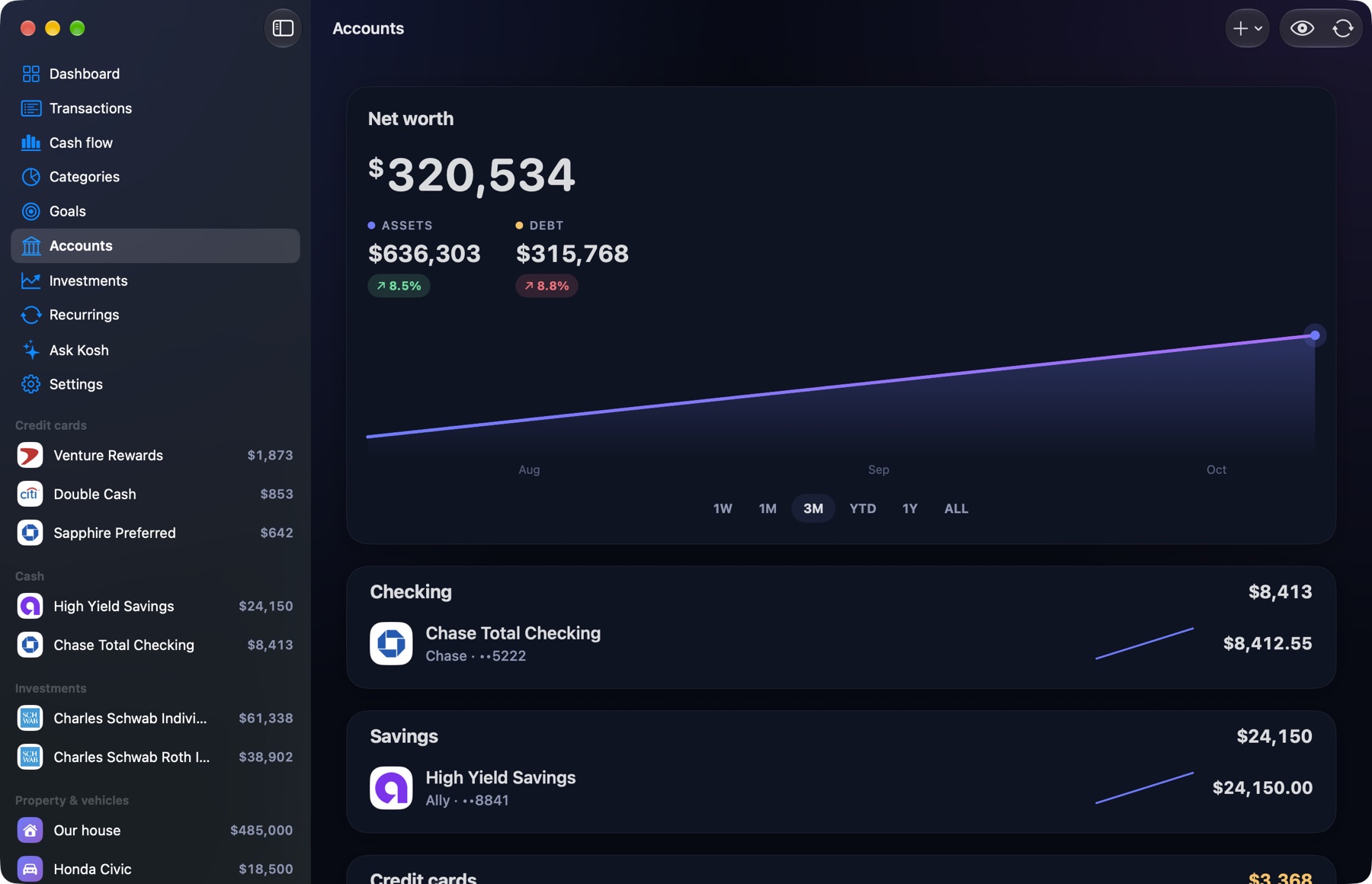
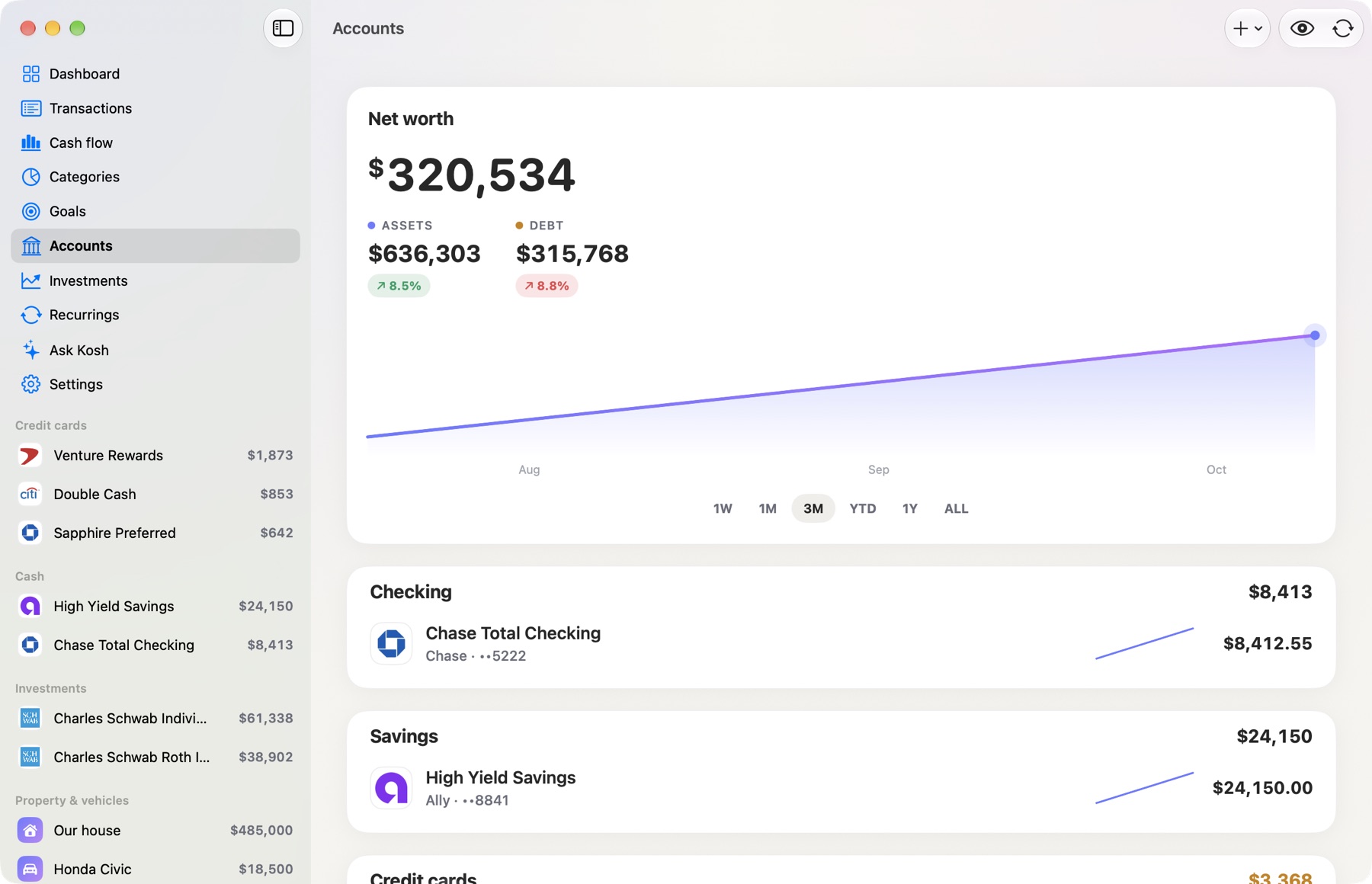
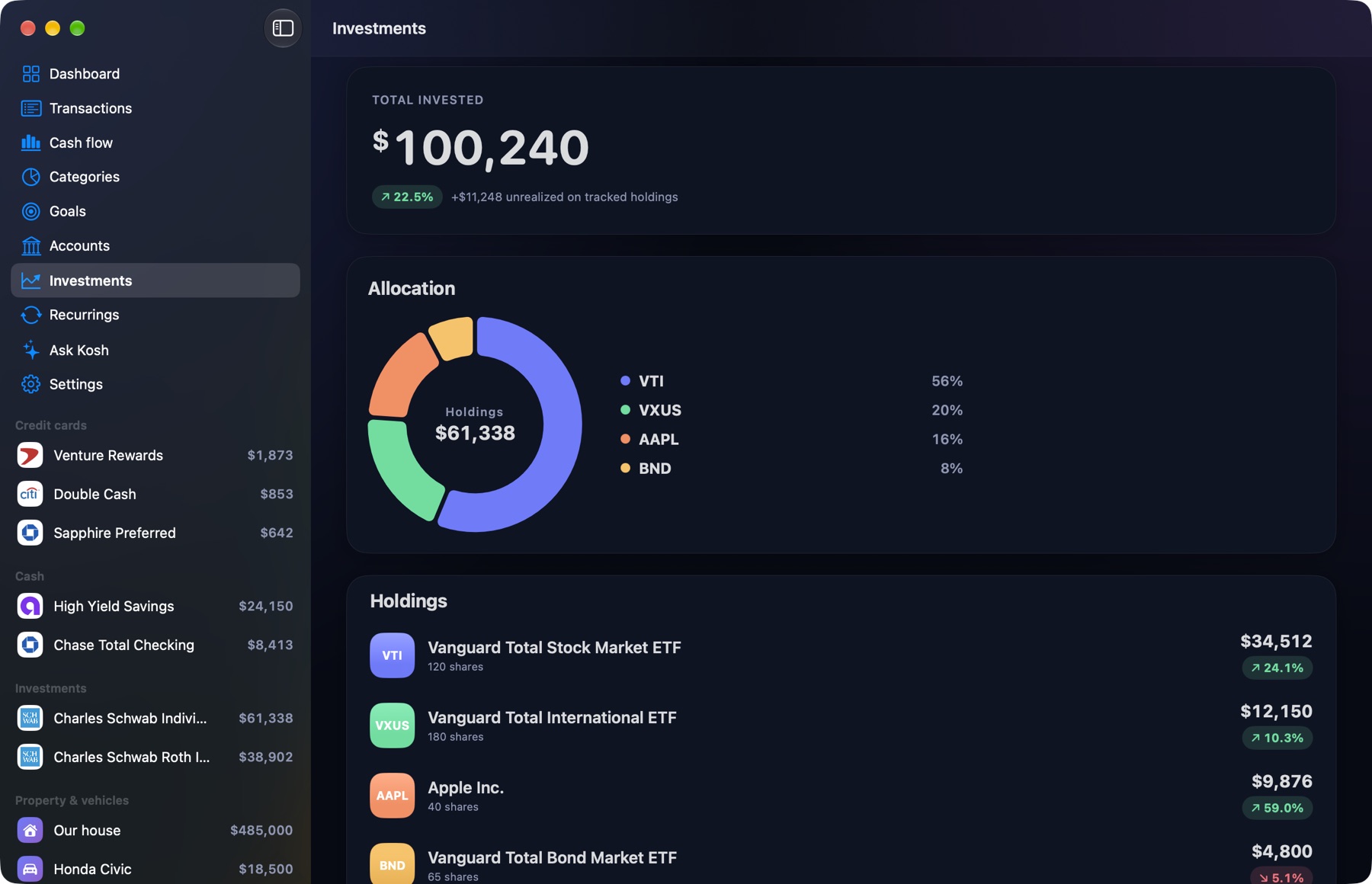
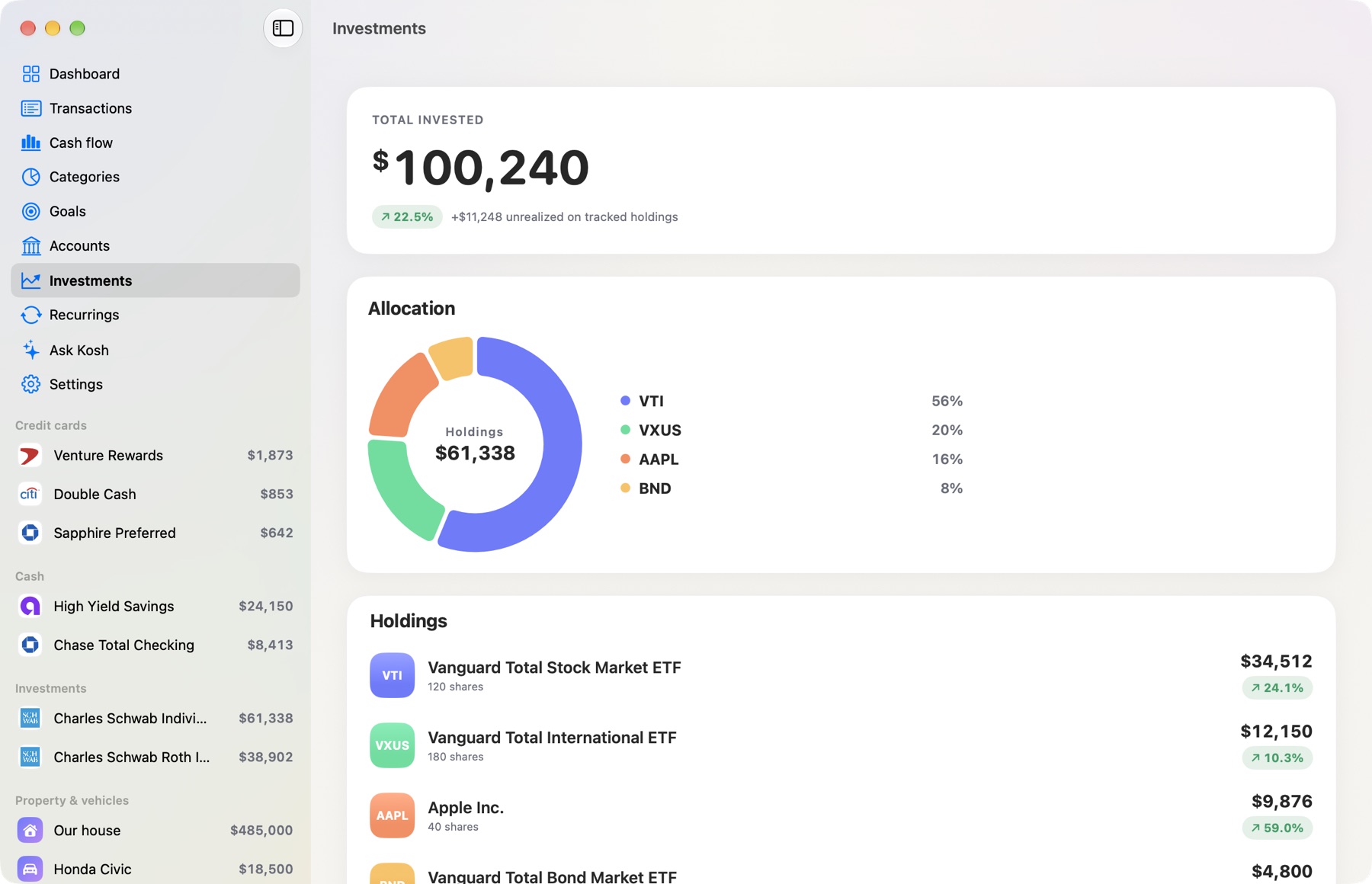
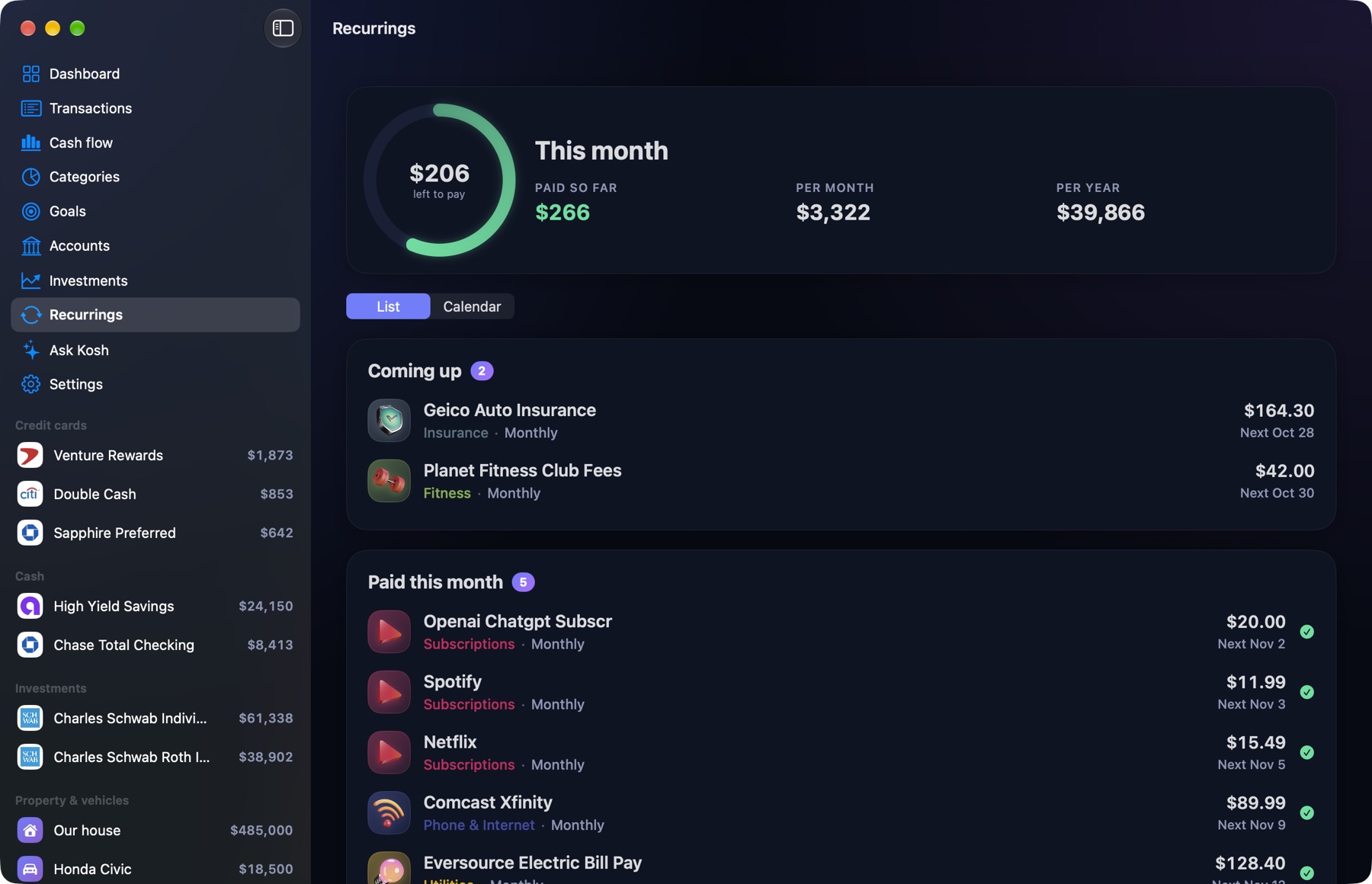
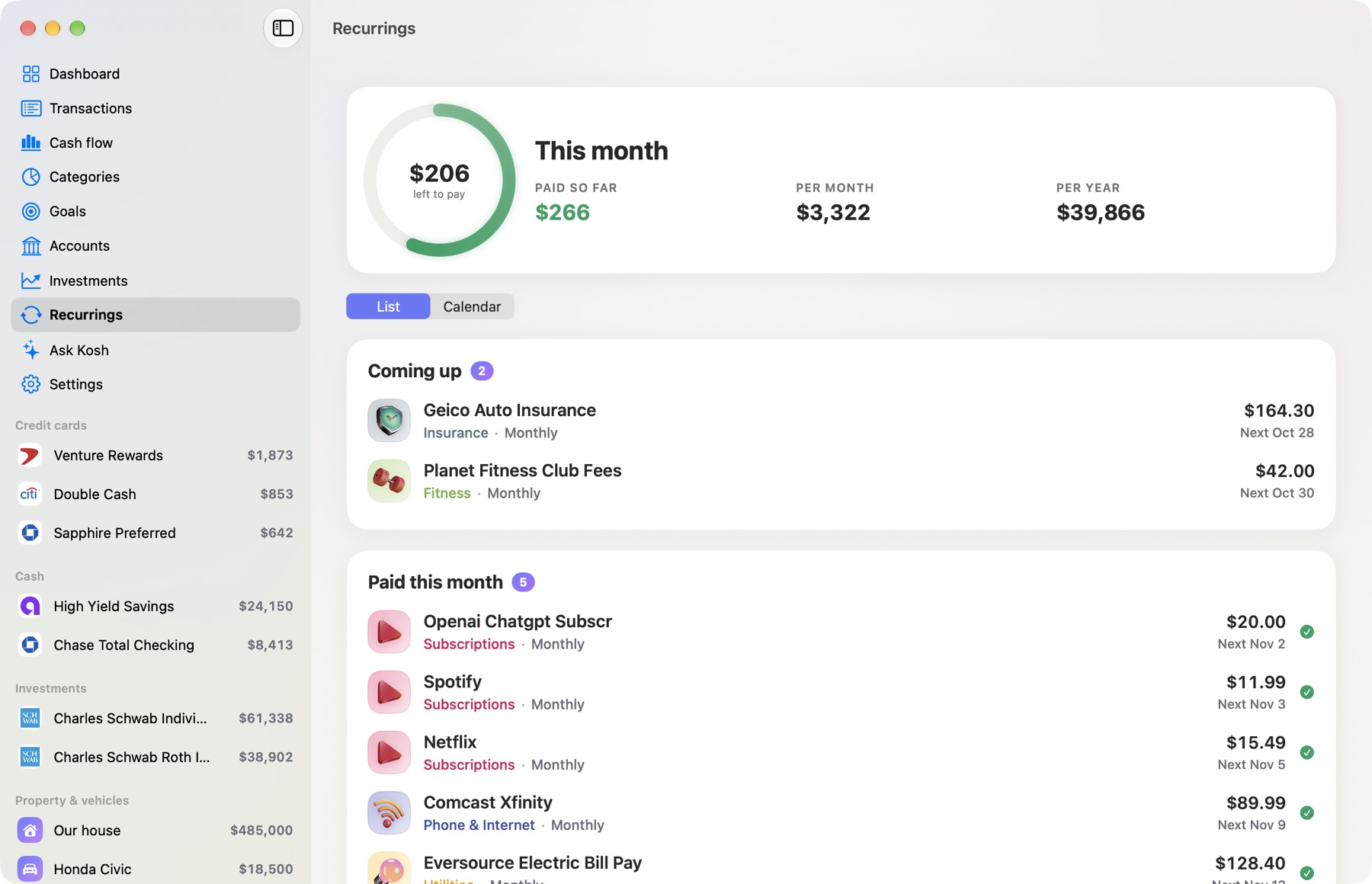
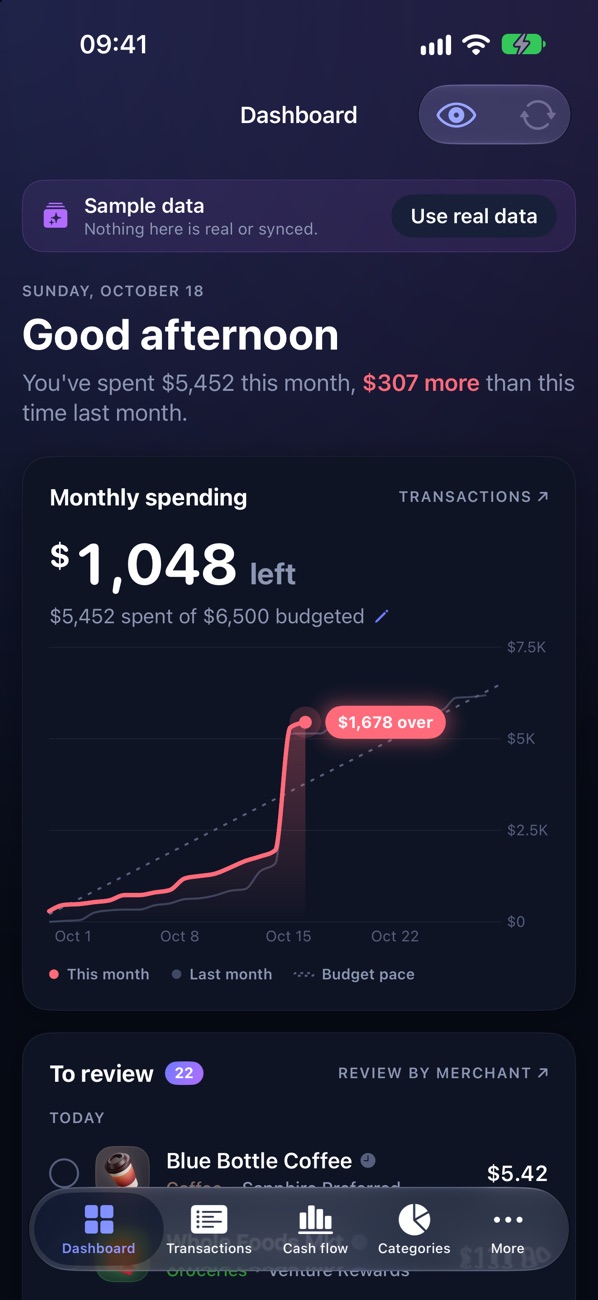
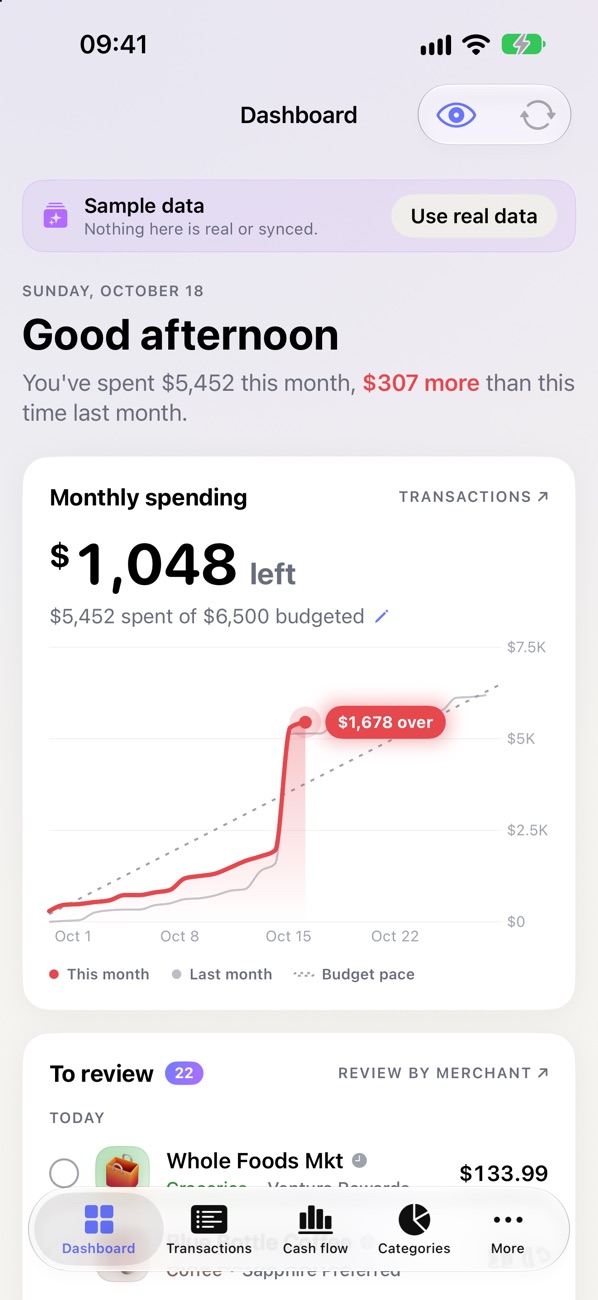
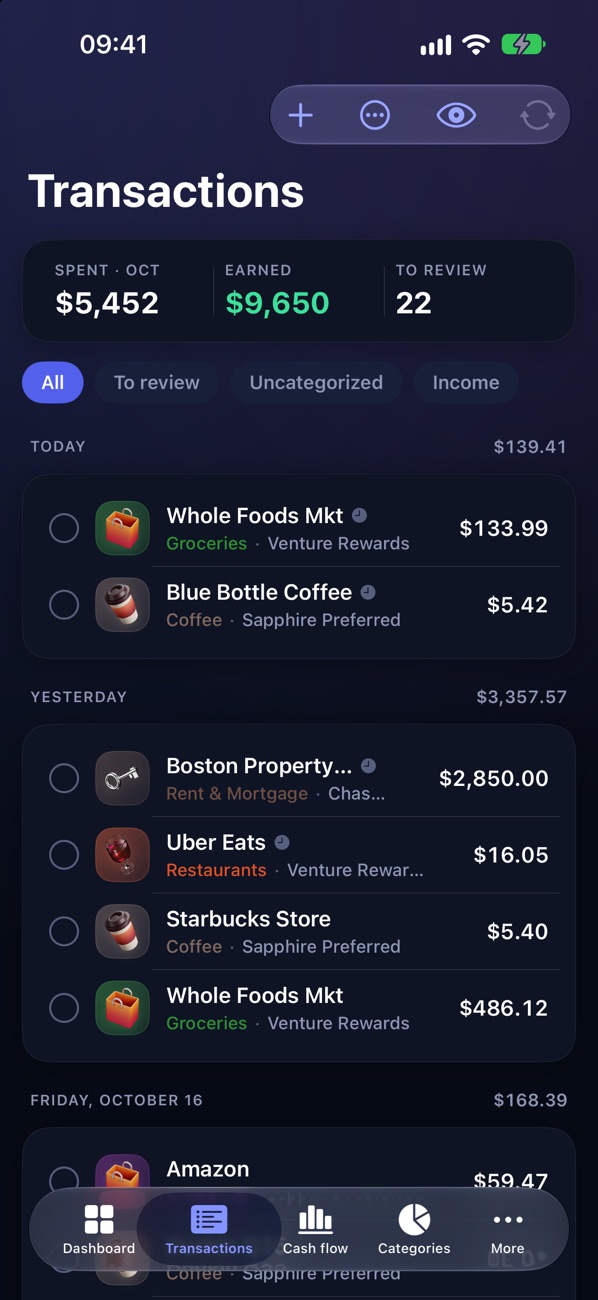
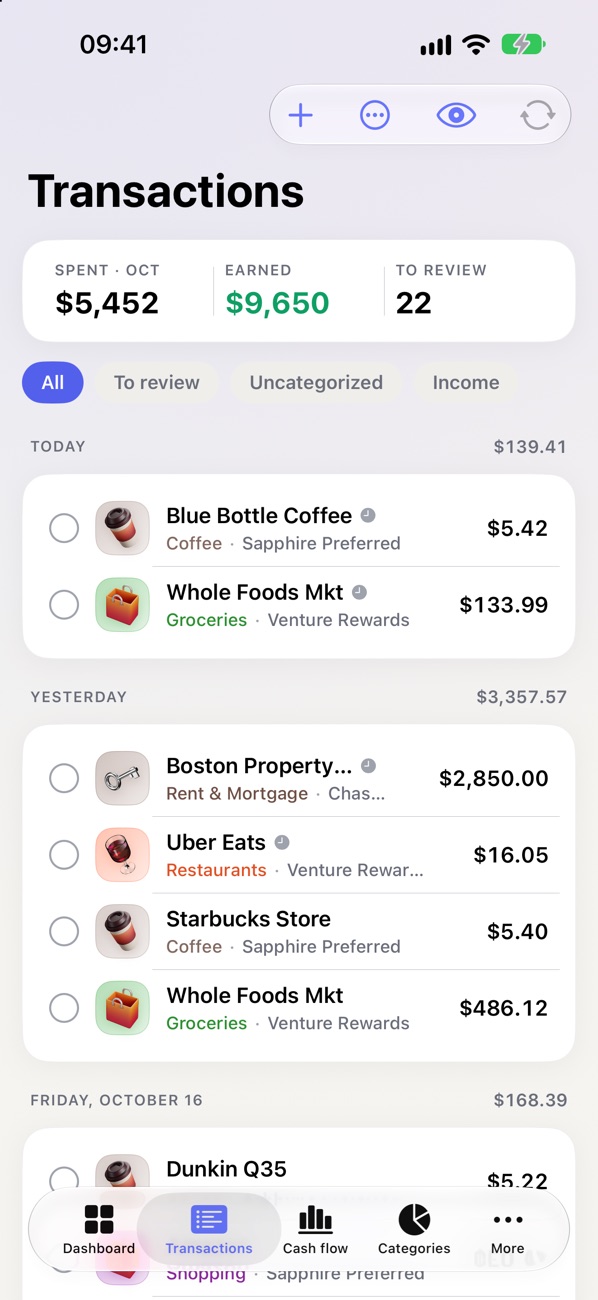
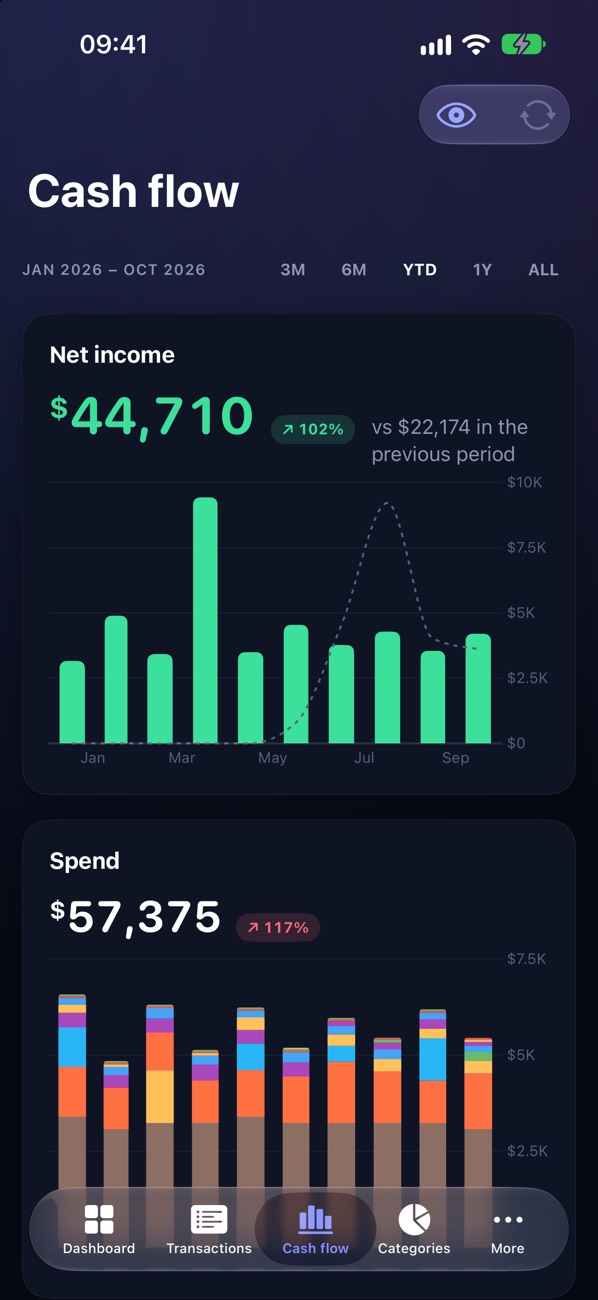
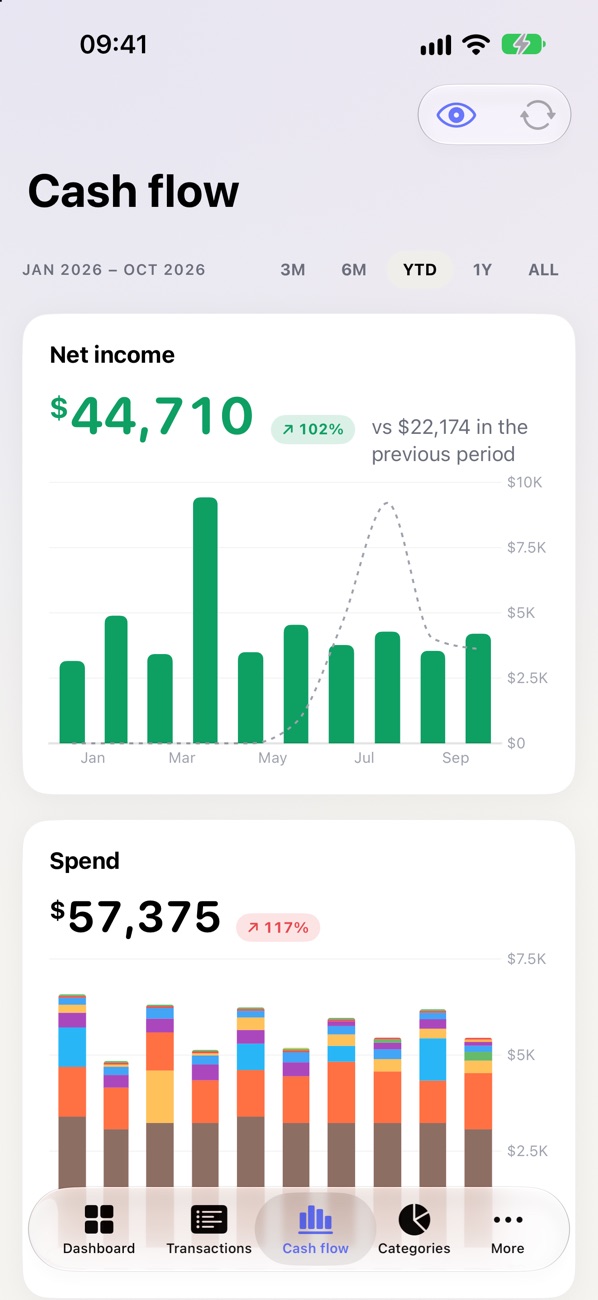
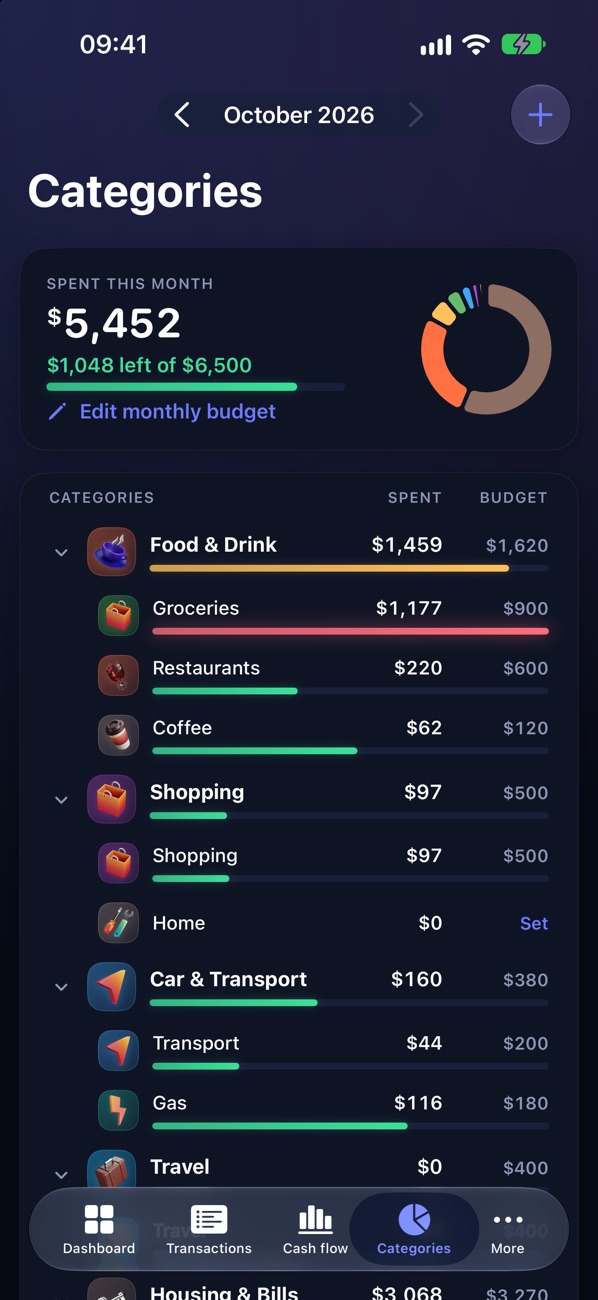
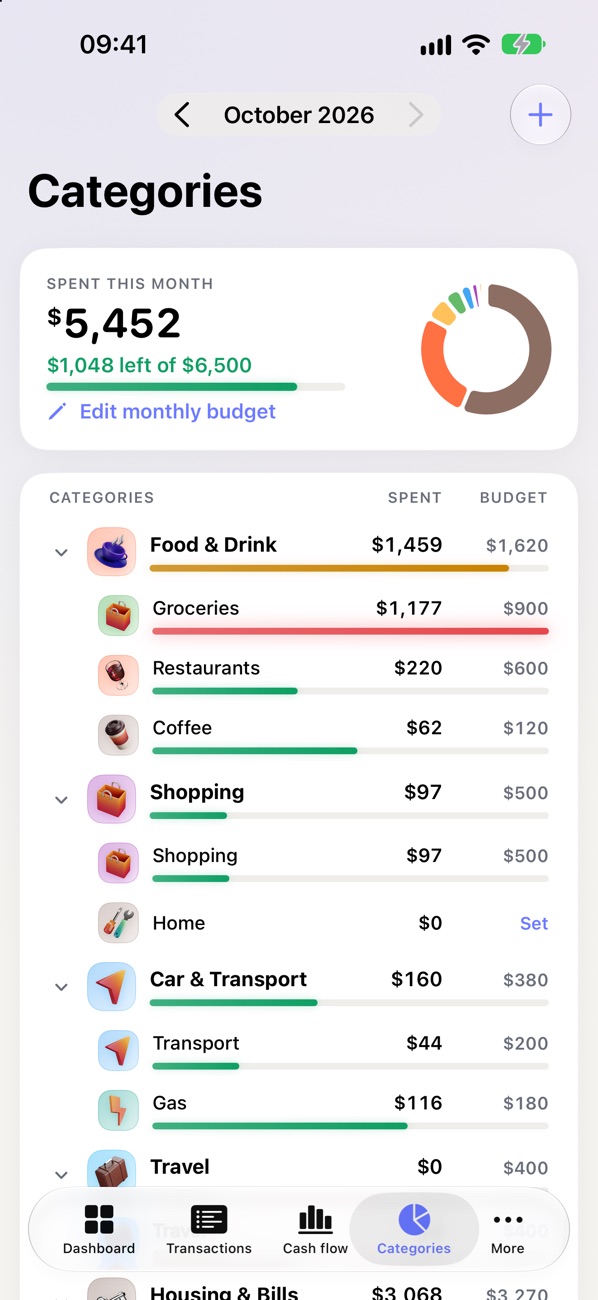
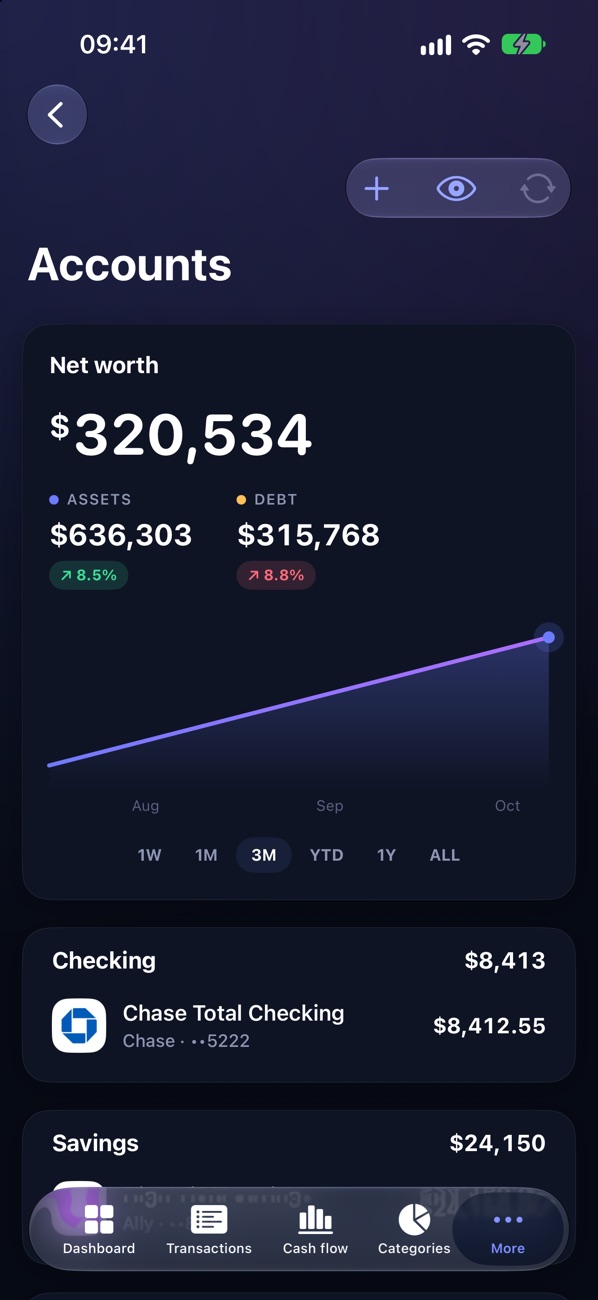
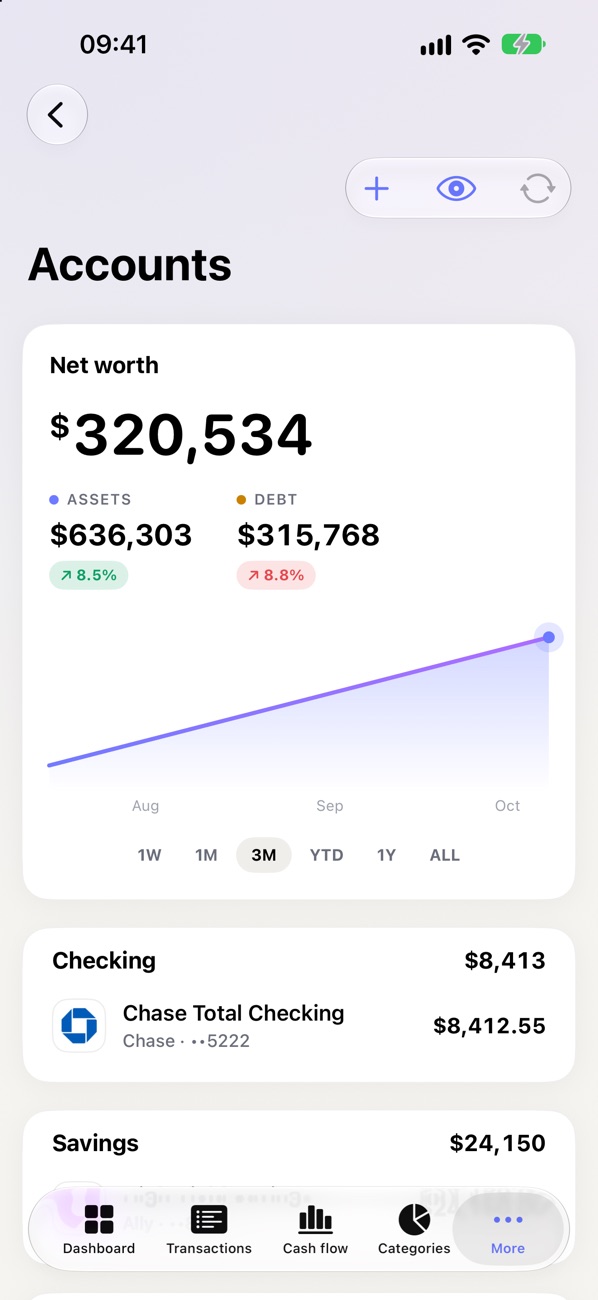
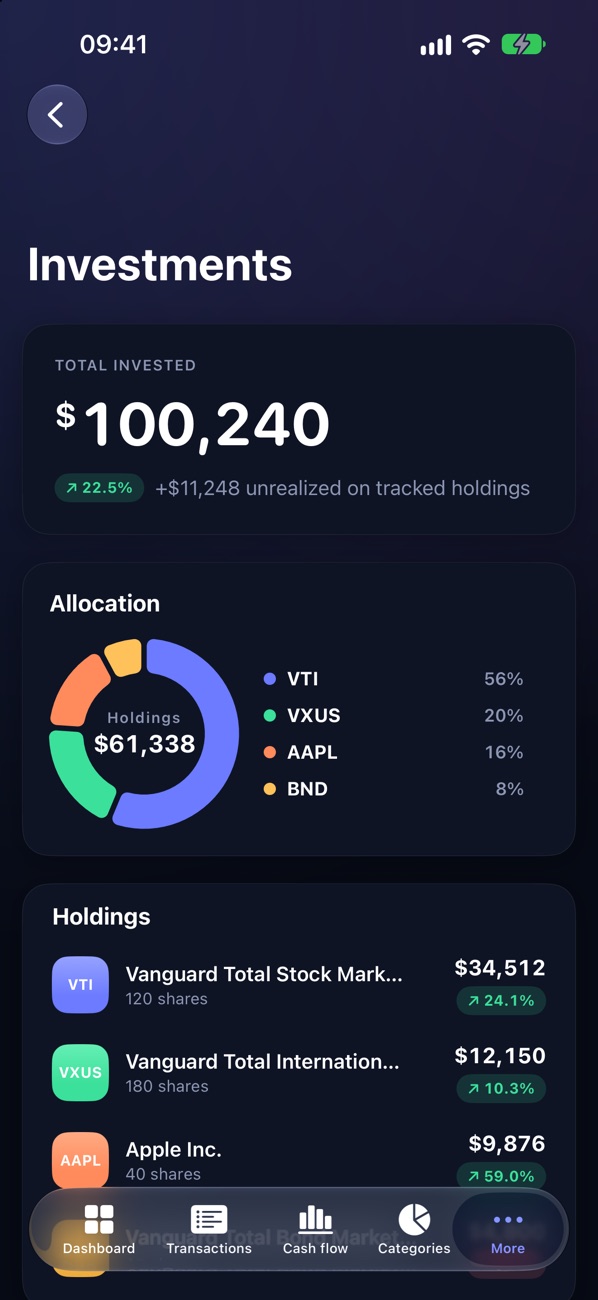
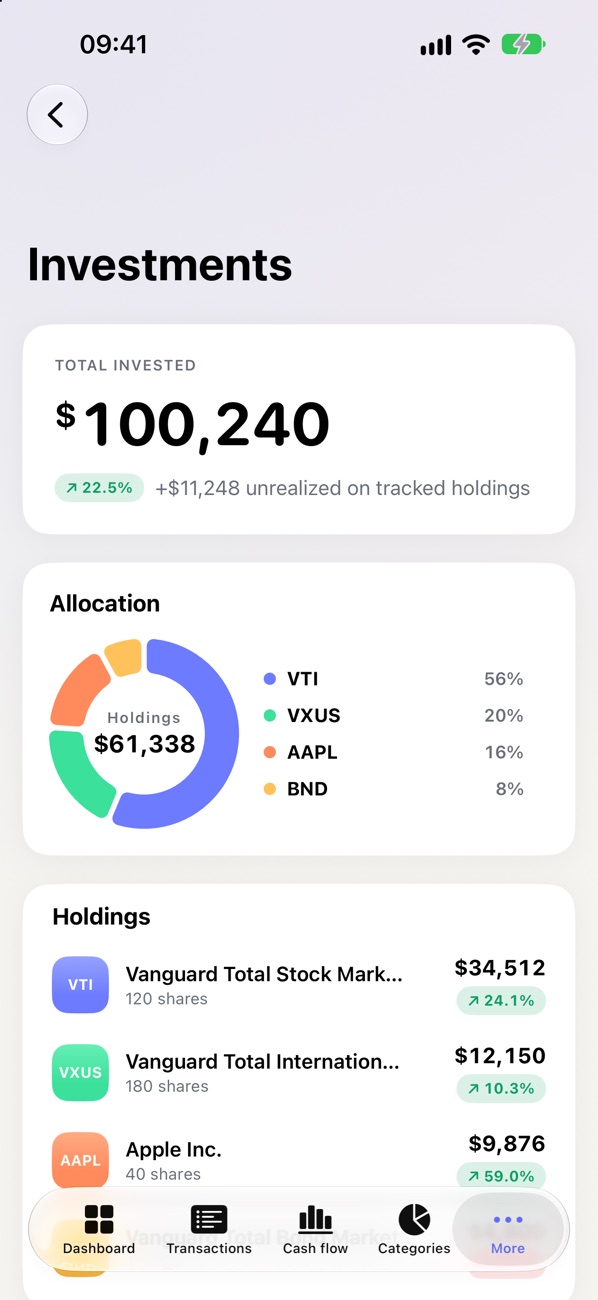
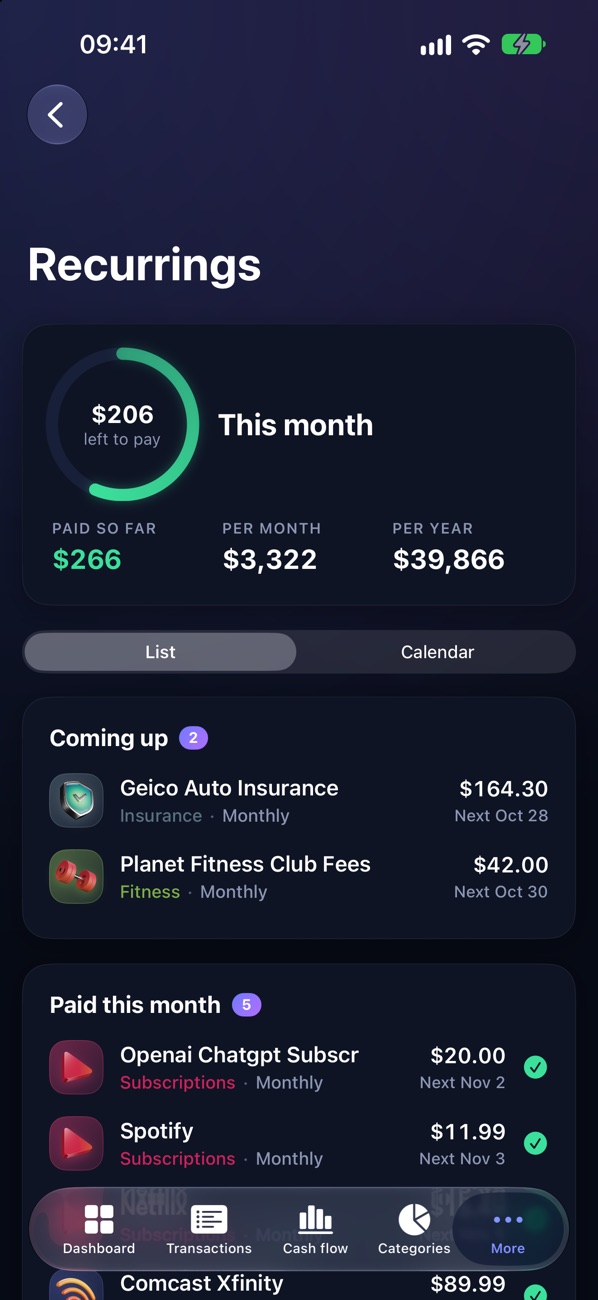
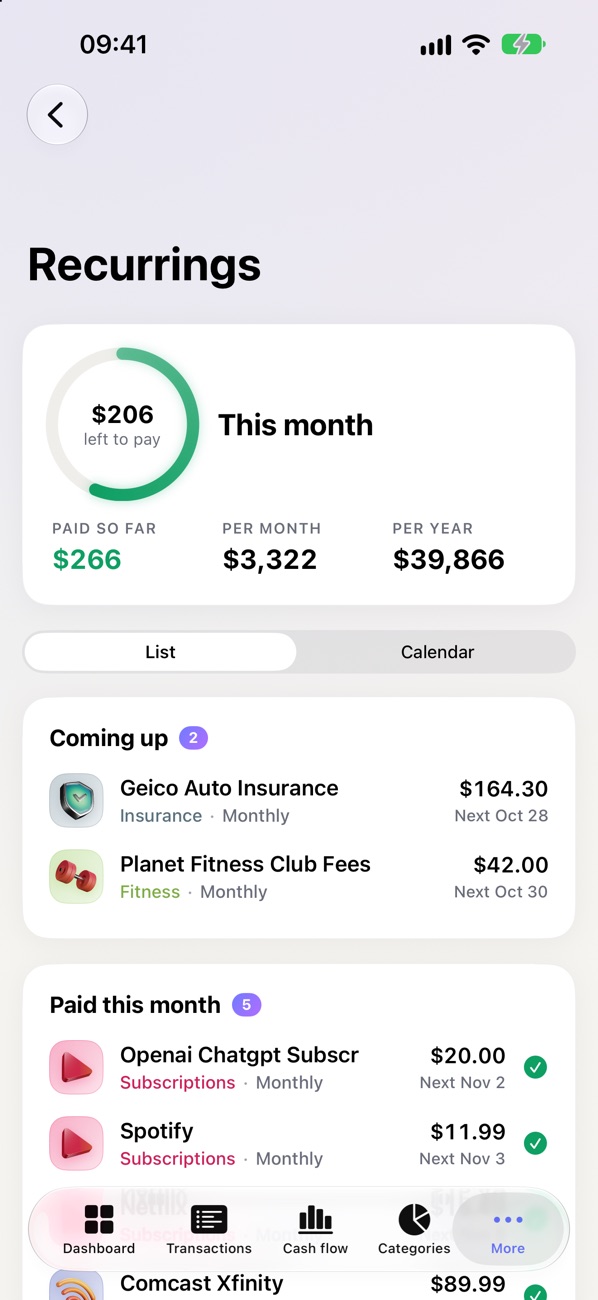
Try it: click the sidebar, or the tabs on the phone. The iPhone follows along.
Screenshots show built-in sample data, not a real person's accounts.
Link your banks, cards and brokerages. Kosh sorts the spending and asks you only when it isn't sure.
Checking, savings, cards and investments with real bank logos, card art and a net worth chart you can scrub through.

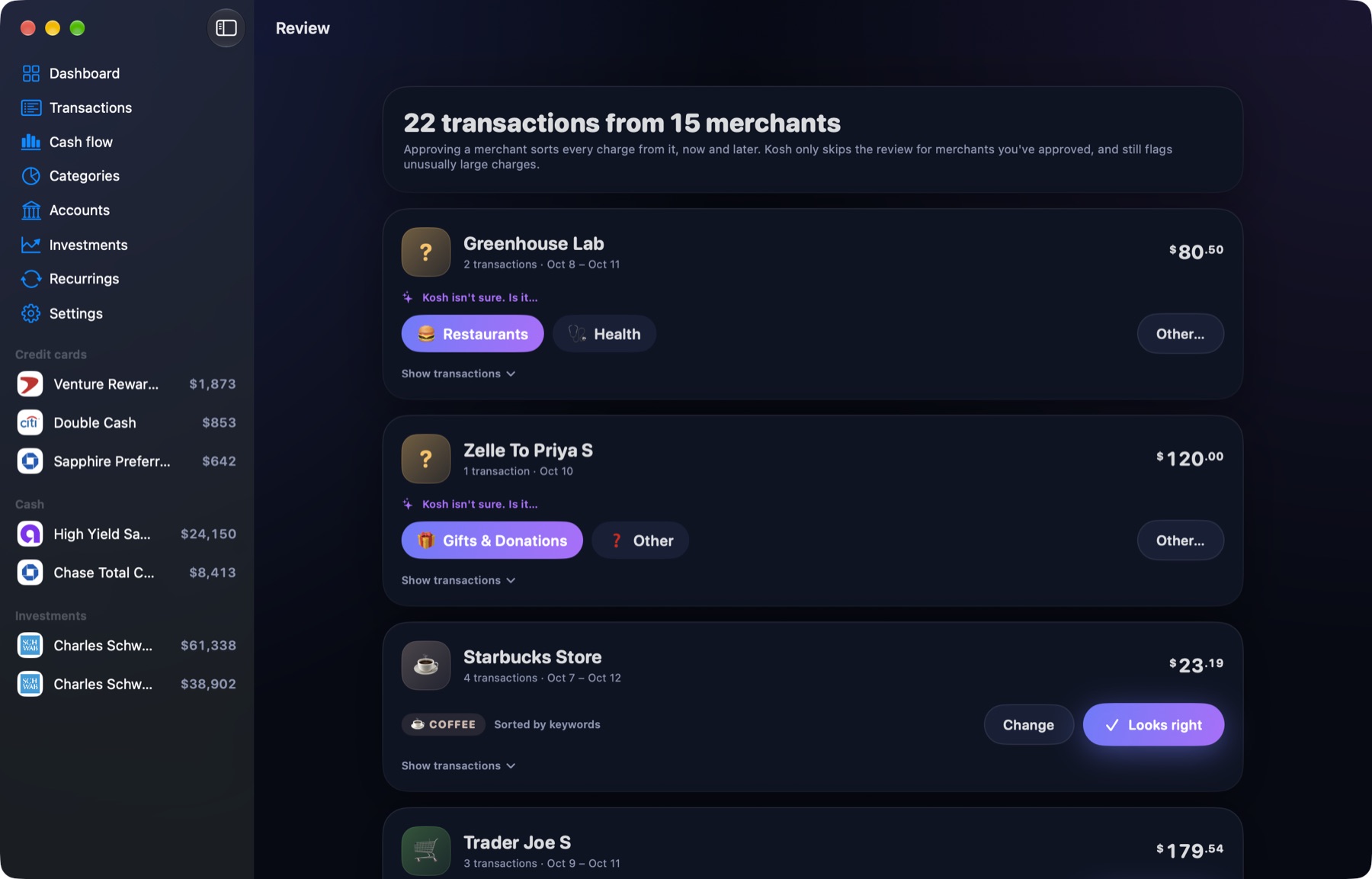
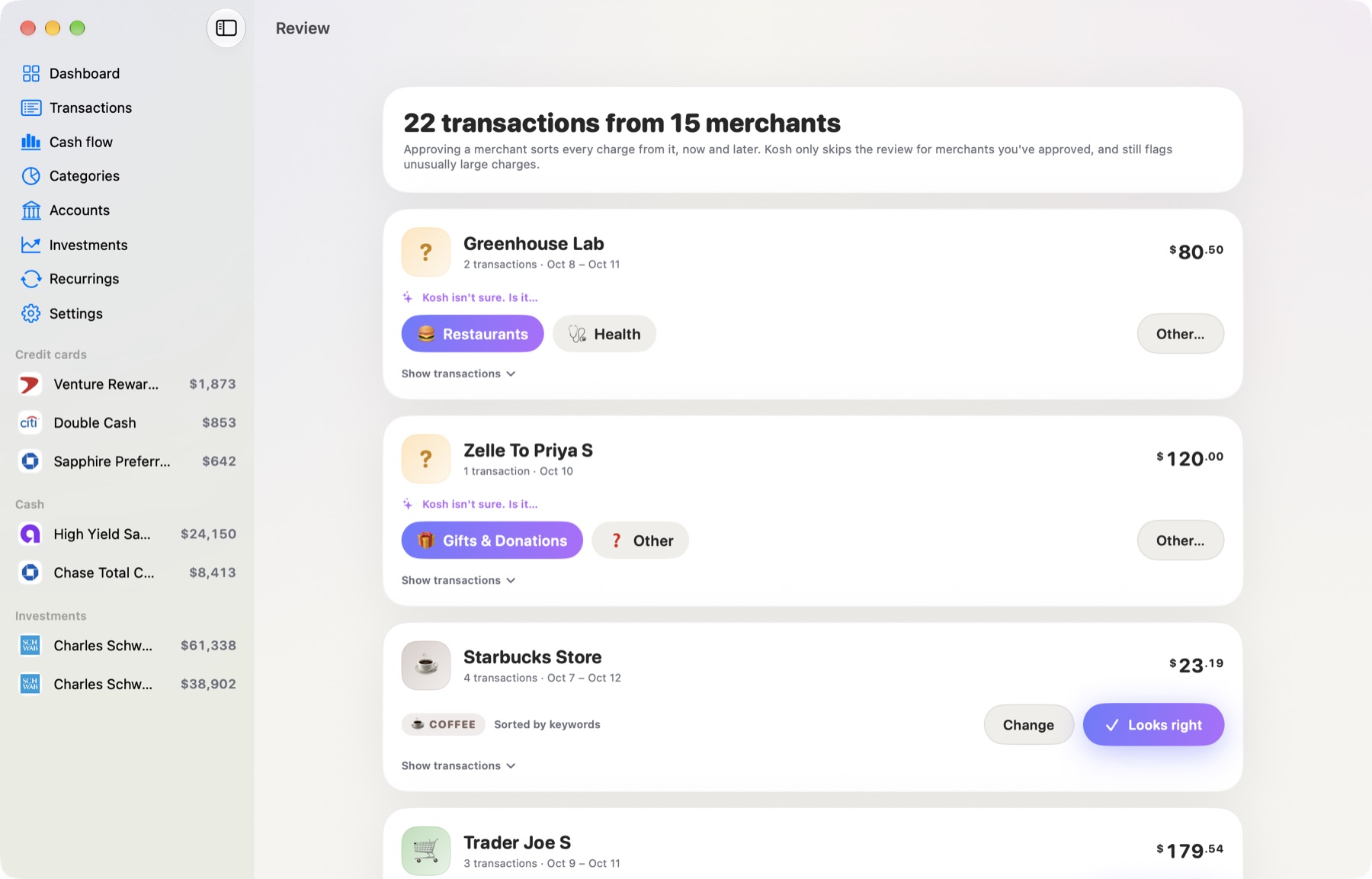
Your rules first, then your past choices, then Apple's on-device model. Kosh applies the answers it's confident about and asks you about the rest.
Approve a merchant once and every charge from it follows, now and later. An unusually large charge still gets flagged.

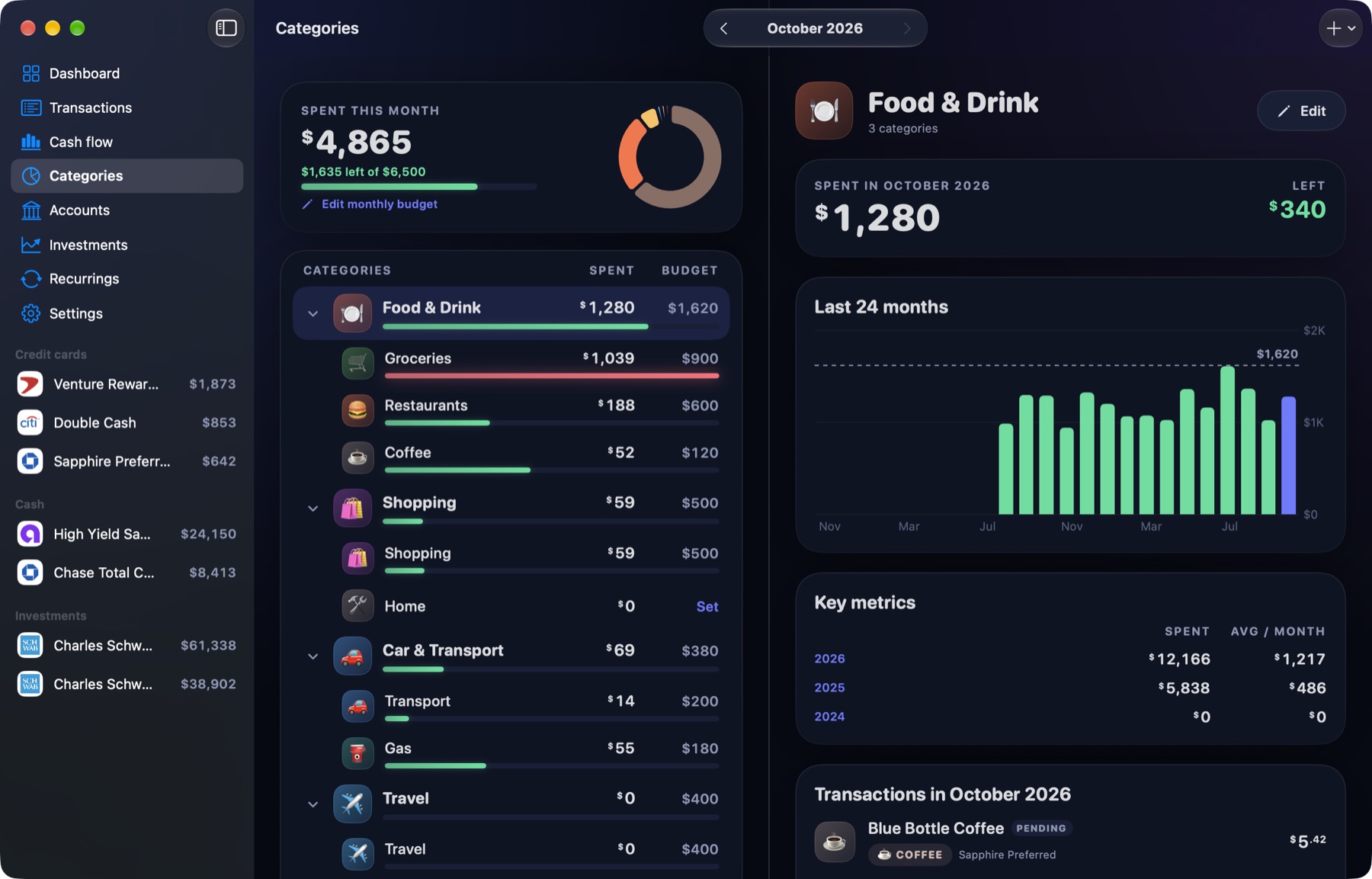
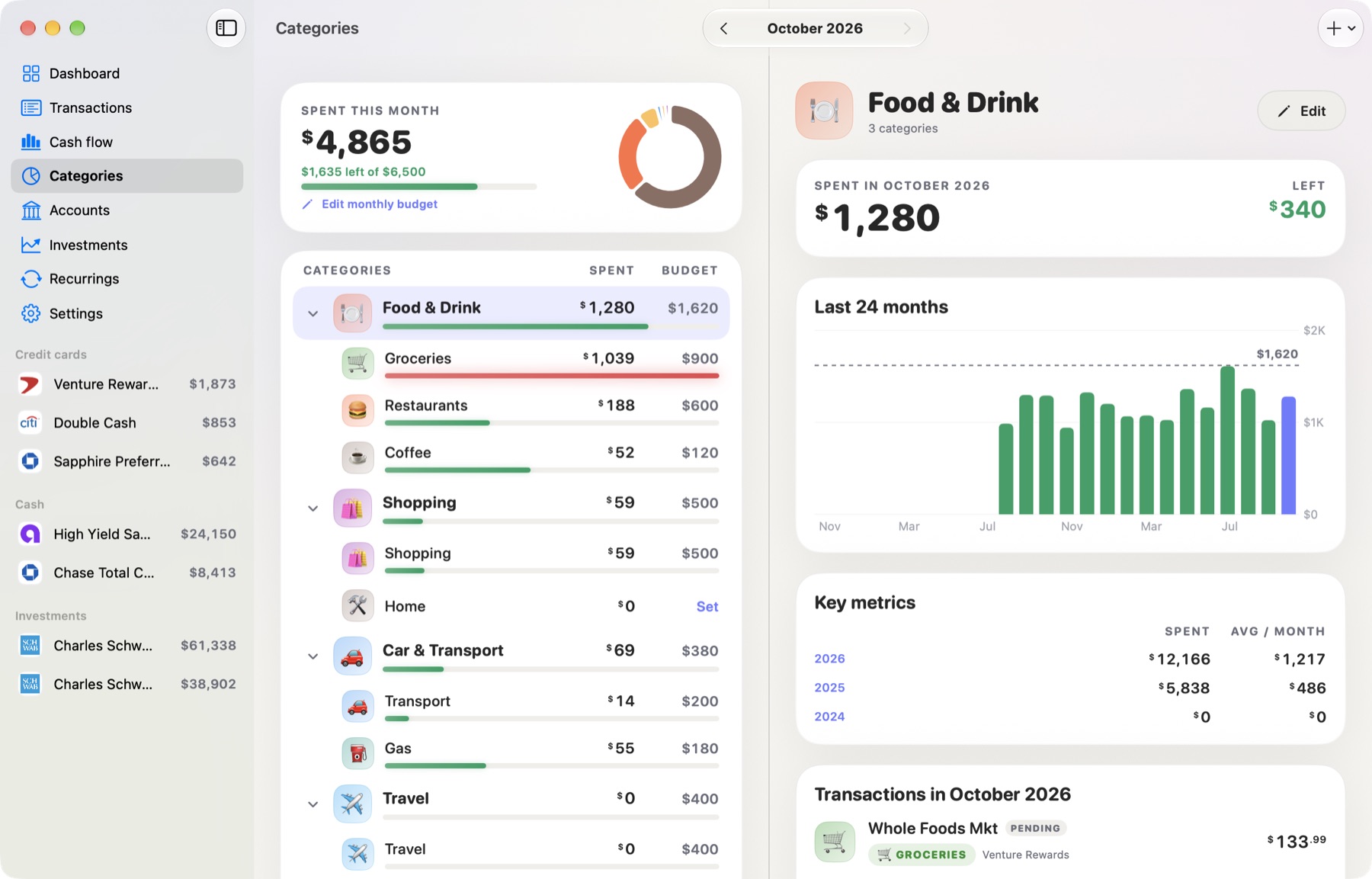
One monthly budget, category budgets in groups you design, rollover, and a pace line that shows whether you're ahead or behind.
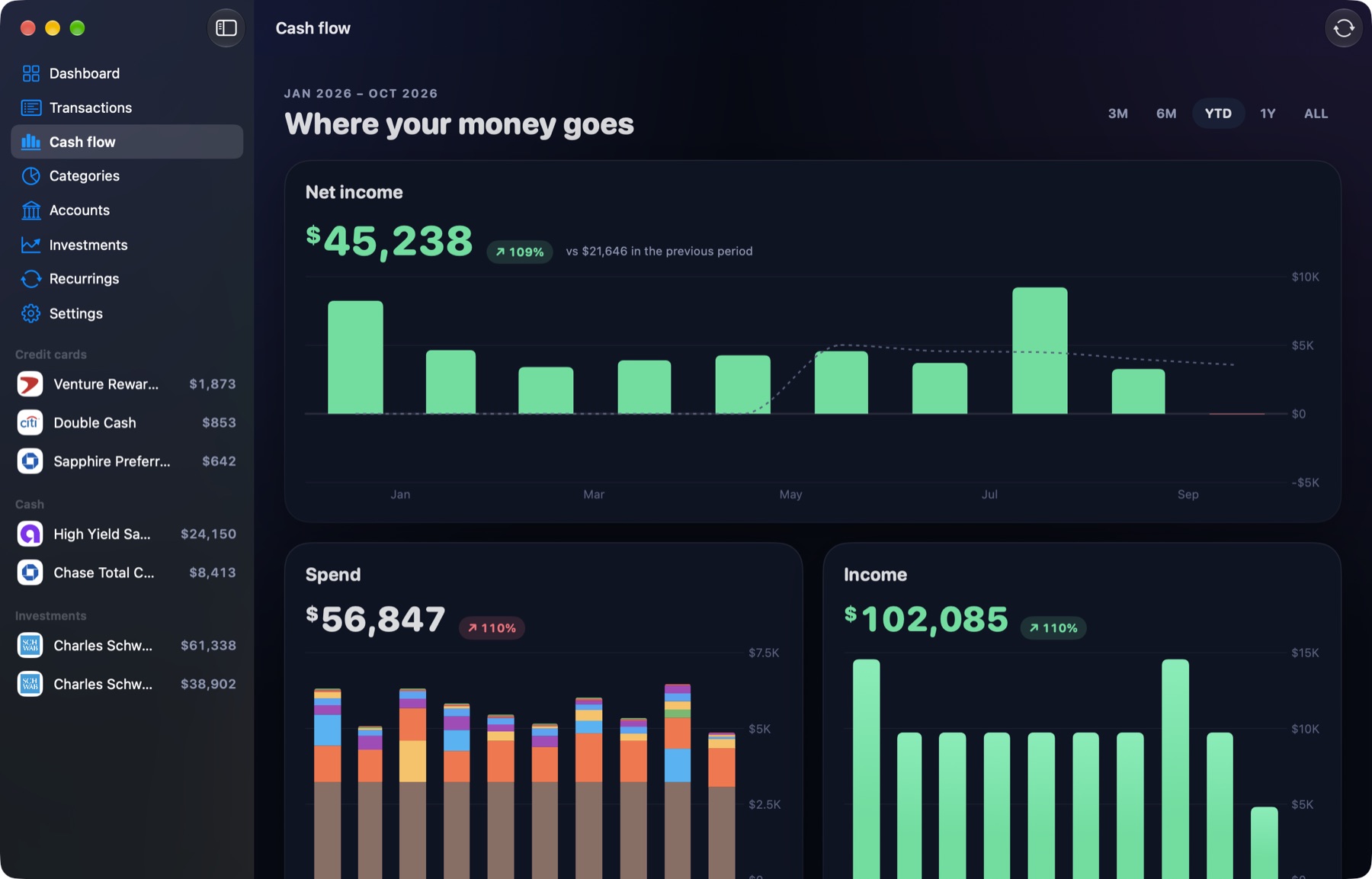
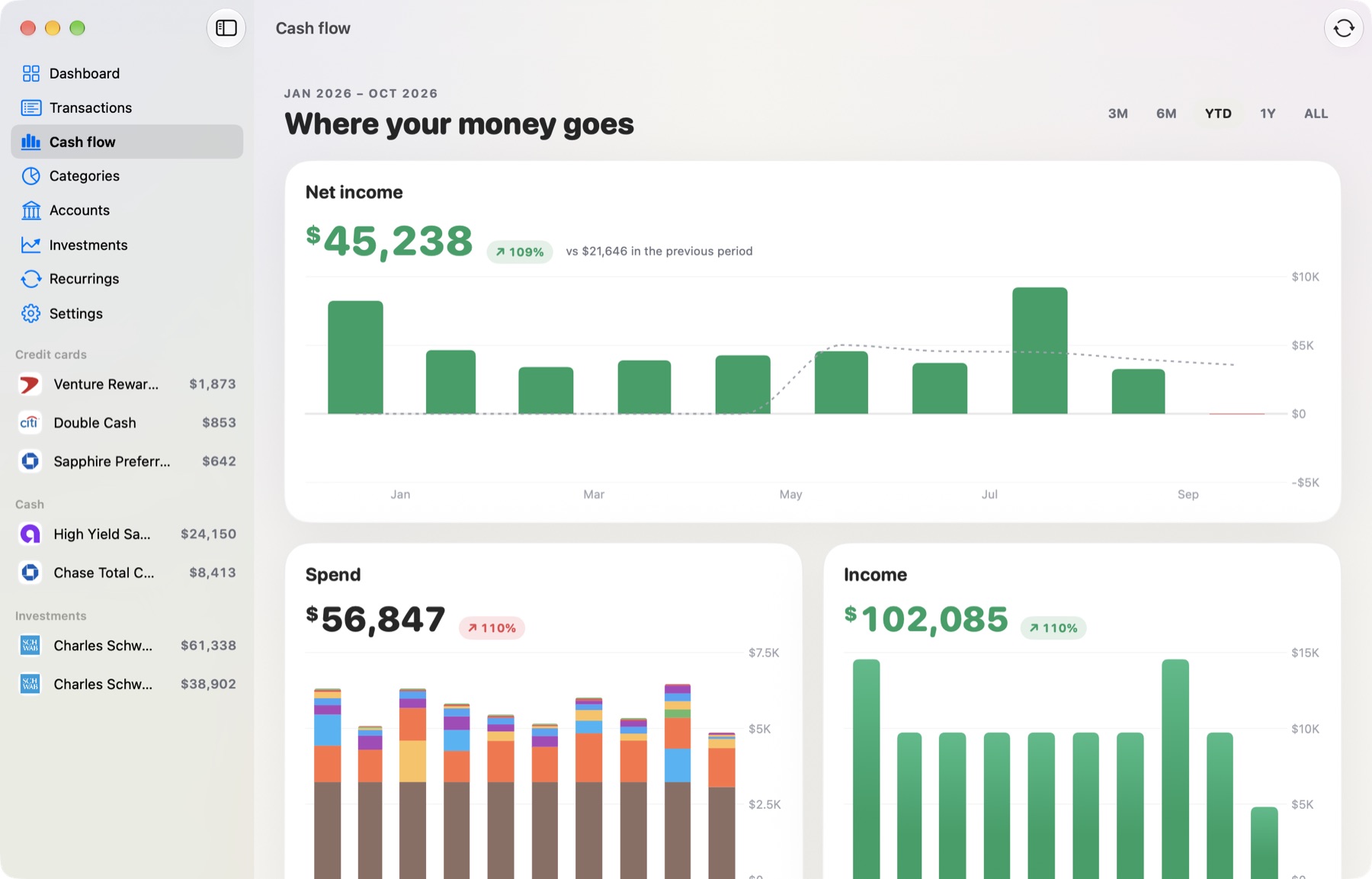
Net income and spending by group against last period, plus every subscription and bill with its monthly and yearly cost.

Bank fees, big charges, nearly spent budgets, low balances and paychecks arrive as notifications your device generates itself.
The parts you only miss when they're gone.

Give a card to your partner and Kosh shows whose spending is whose. Send a partner the accounts you choose as a file, and update them any time, with no server involved.
Split one charge across categories, tag it for tax time, and attach a photo of the receipt. Kosh reads the total on your device.

Save toward a goal, see where the month ends up, compare payoff plans for your cards and loans, and see what your investments are made of.

Match a merchant or an amount and set the category, tag or person once. Kosh applies it to past and future charges.
Import a bank statement (PDF, CSV, OFX or QFX) or an export from Copilot, and back up everything as one file you own.
See your year in totals, share a card with just the numbers, and project your net worth from what you save each month.
Emoji, 3D renders or clean line icons. Switch any time in Settings. Names, colors and budgets stay as they are.
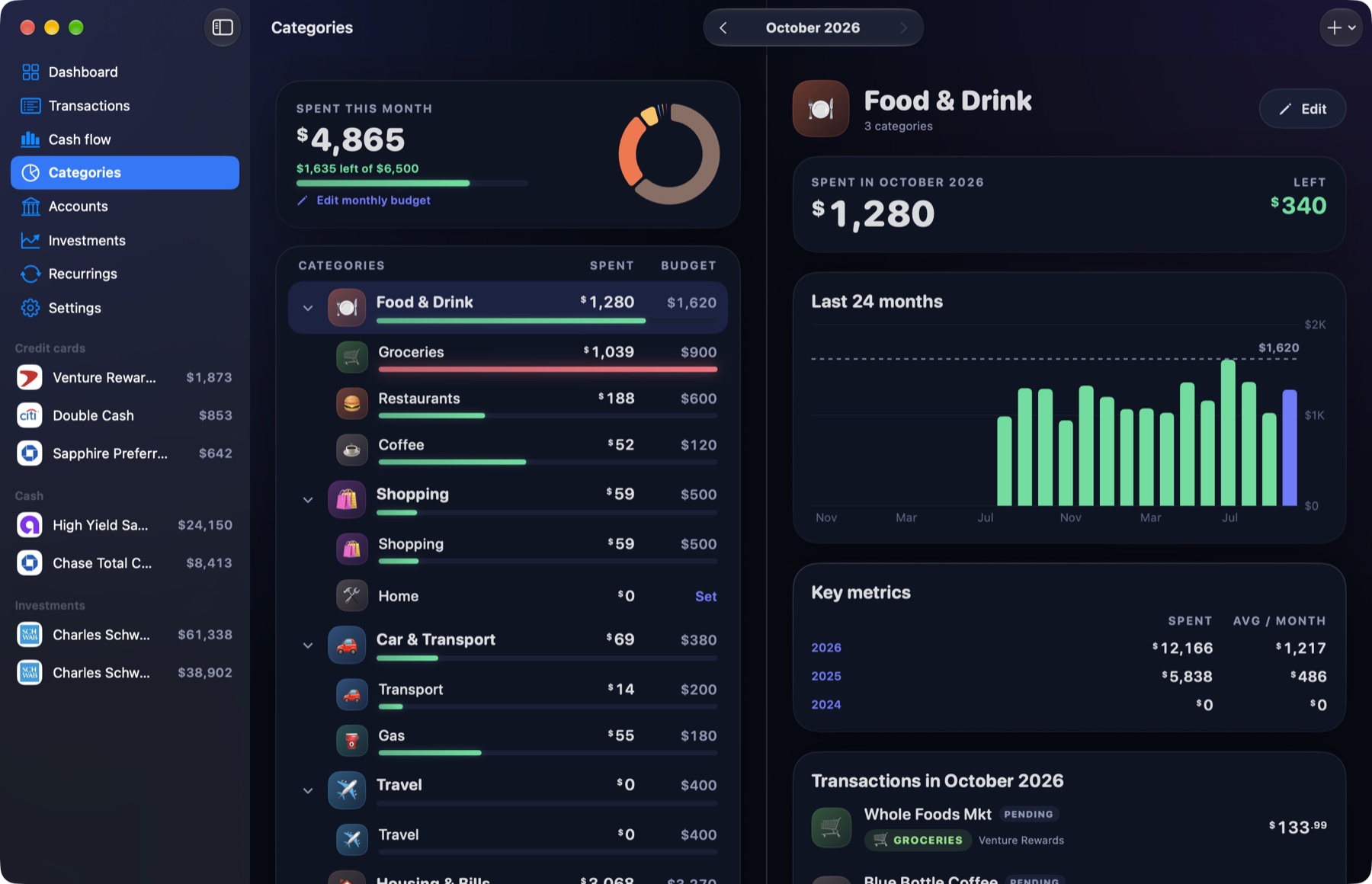
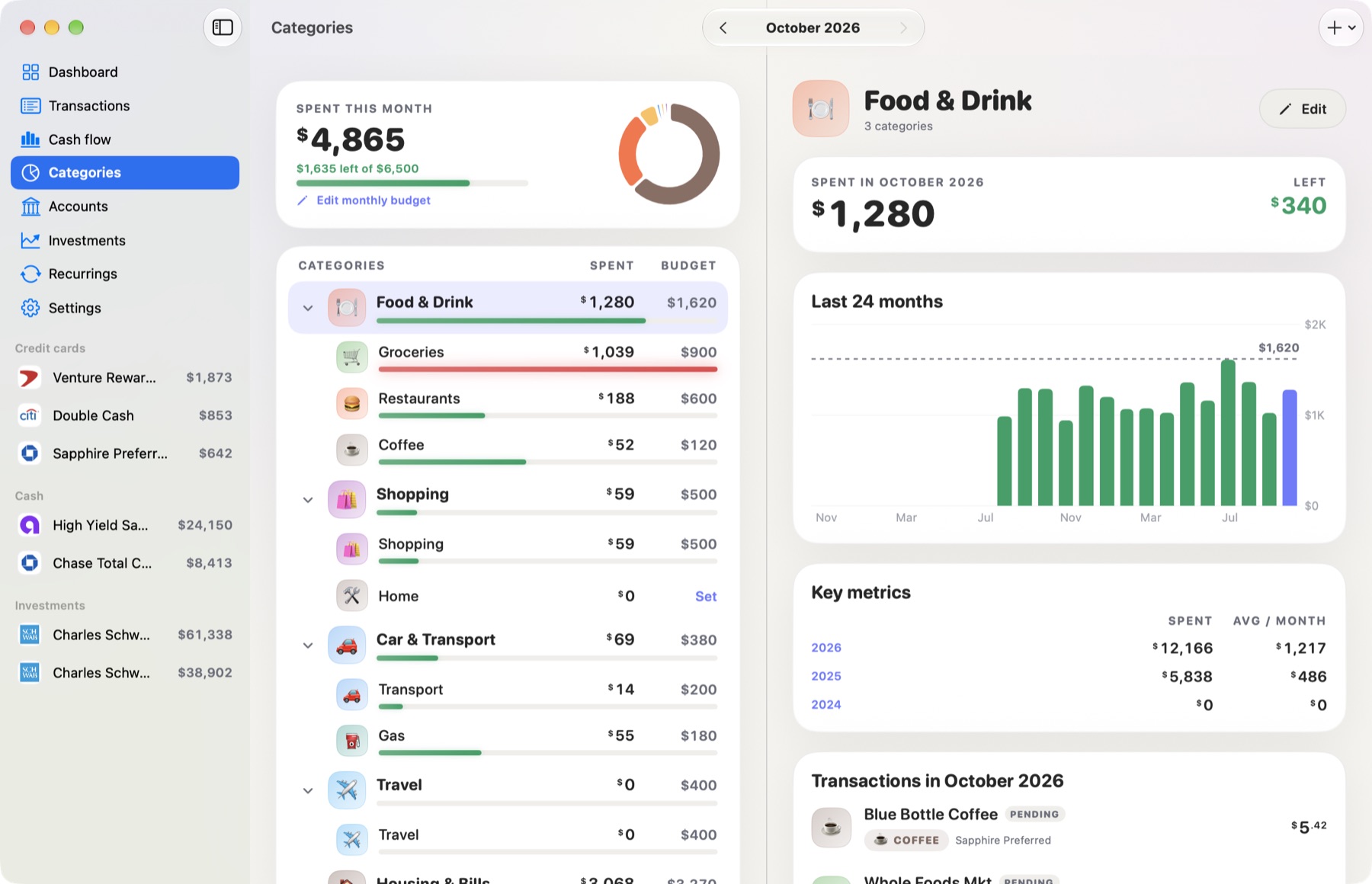
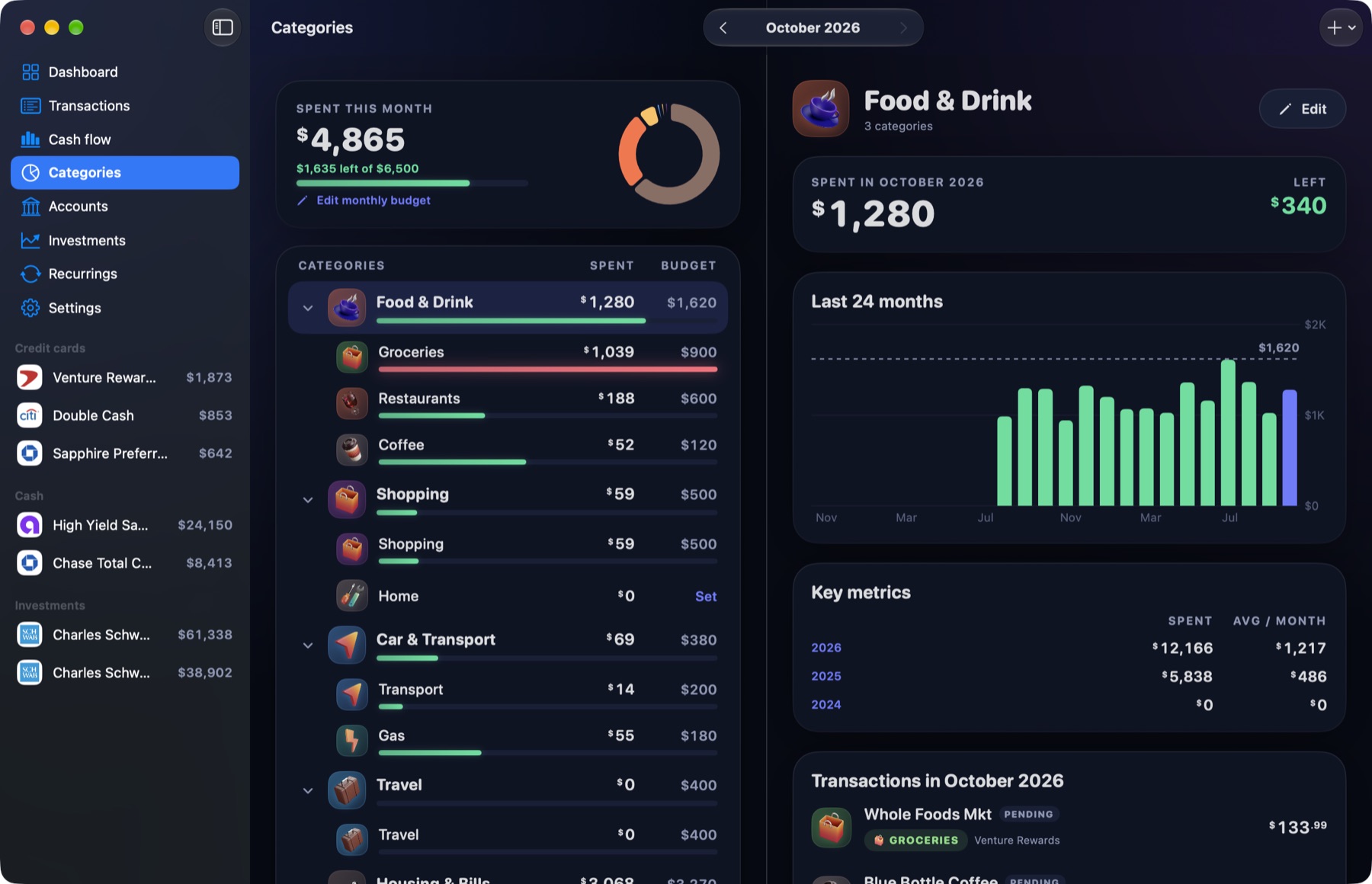
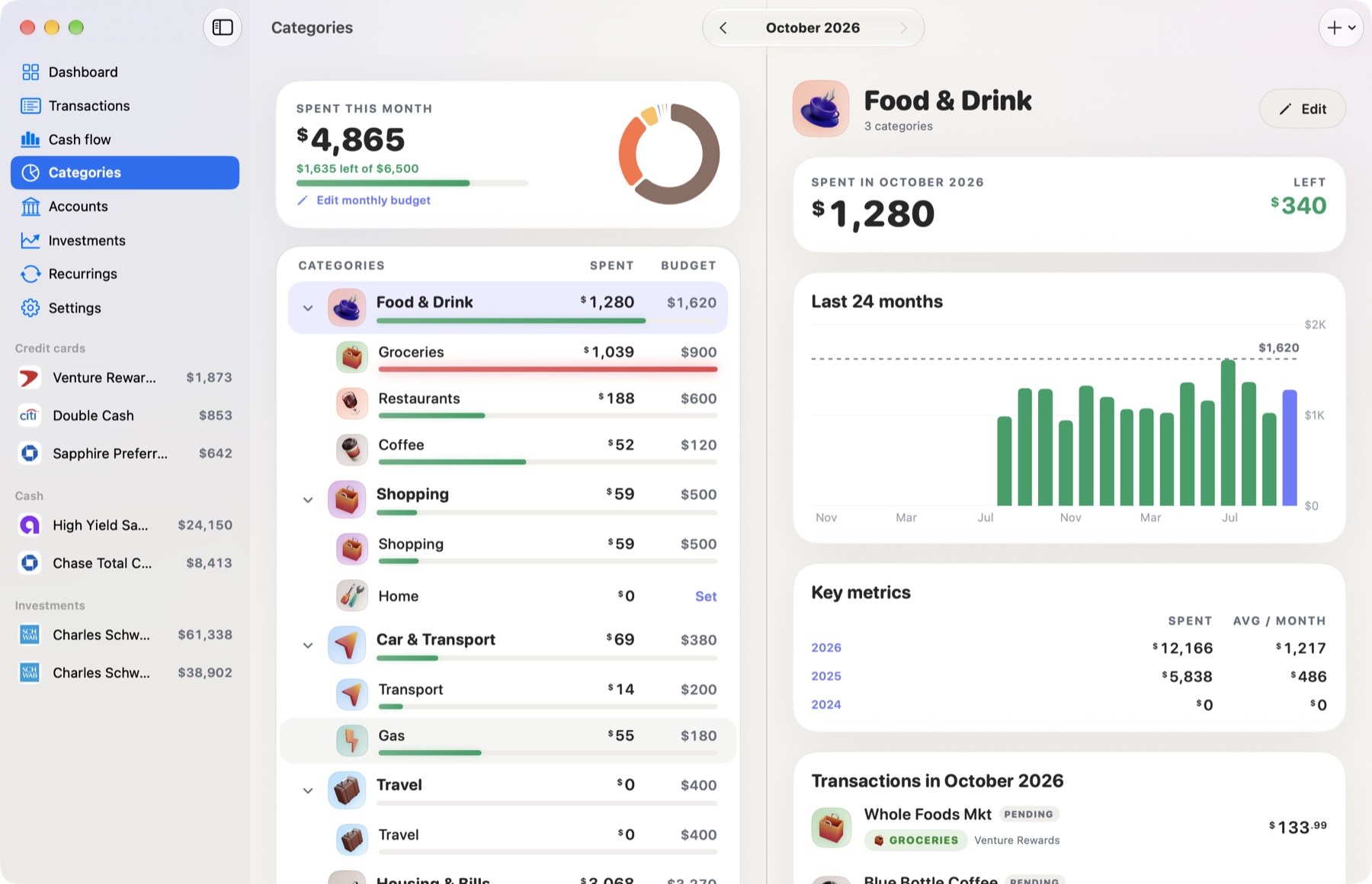
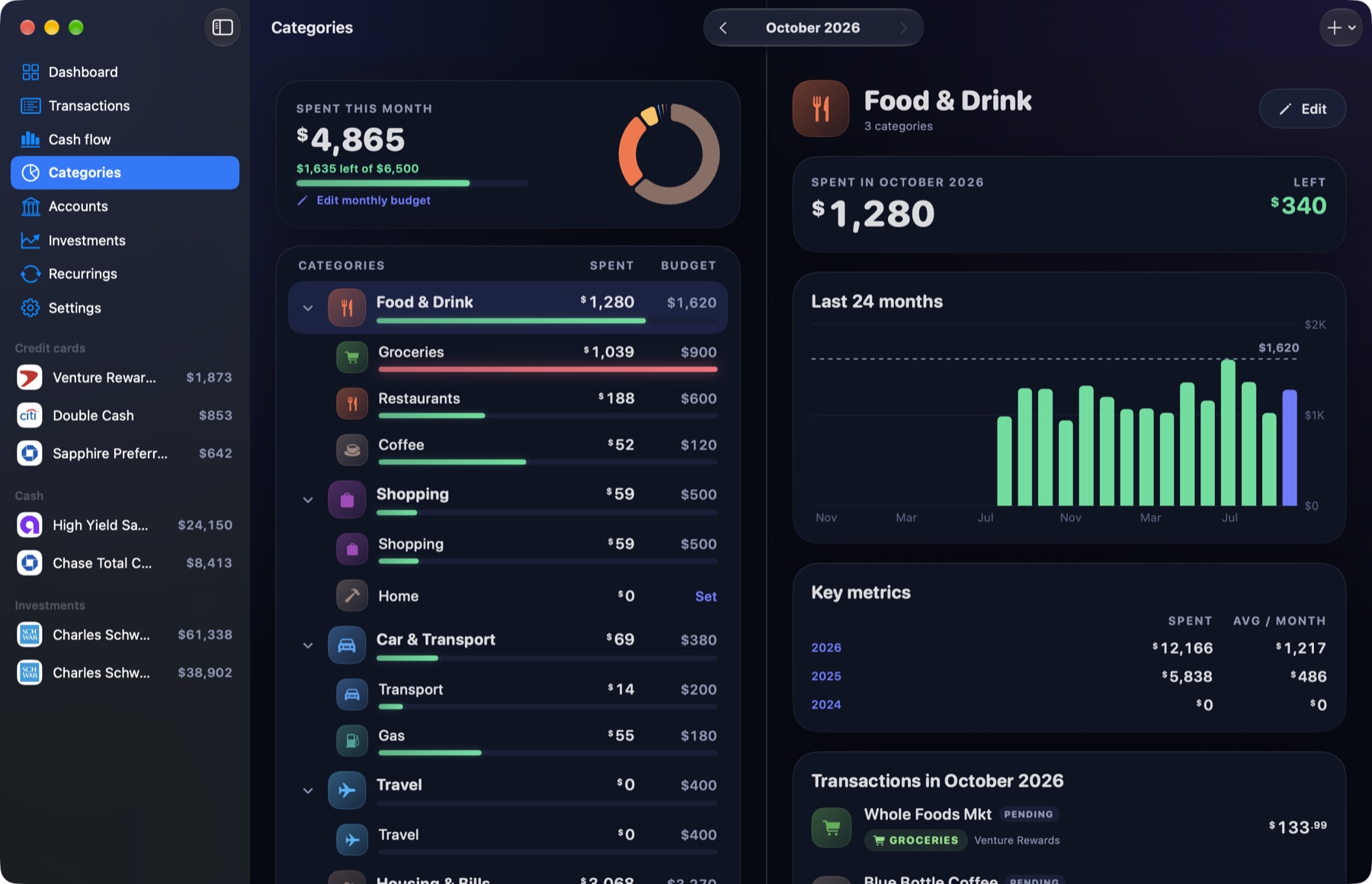
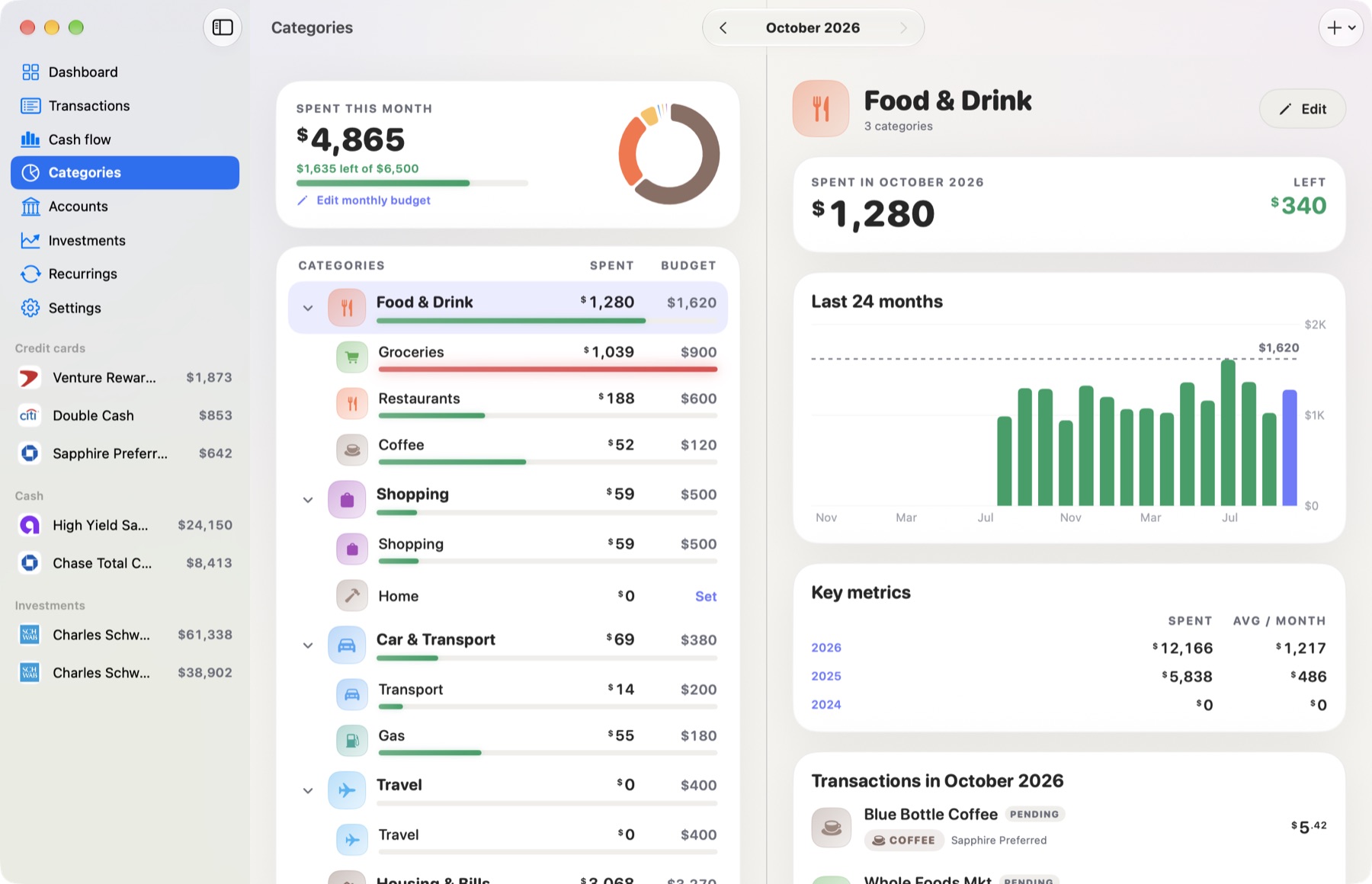
3D icons by 3dicons.co. Categories you create keep their emoji in 3D mode.
Dozens of charges collapse into a handful of merchants. Approve one and Kosh files the rest, now and later.
Group categories the way you think about money and watch each one against its budget.
Income, spending and net income by month, compared with the period before.
About 40 currencies, and number styles that match how your country writes them: 1,234,567.89, 12,34,567.89 (lakh and crore), 1.234.567,89 or 1 234 567,89.
Kosh is in private beta. Leave your email and you get one message, the day it opens.
Your data goes from your bank to your device, and from your device to your own iCloud. We don't keep a copy.
What does leave your device? Requests to the bank connection you choose (Plaid or SimpleFIN), your own iCloud, and public logo images fetched from banks' websites (only the bank's website address is requested). No analytics, no advertising identifiers, no crash reporting of our own. With Kosh Sync, bank requests go through Kosh's relay, which adds Kosh's Plaid keys and stores no transactions or balances. Read the full privacy policy.
The free plan never expires. The one real cost today is what your bank-connection provider charges.
| Part | Cost | What to know |
|---|---|---|
| The Kosh free plan | Free forever | It never expires: no trial clock and no ads. |
| Bank connection via Plaid | Free | Plaid's free Trial plan covers up to 10 bank logins, using your own Plaid keys. Plaid sets those terms and may change them. |
| Bank connection via SimpleFIN Bridge | $15 a year | Paid to SimpleFIN, not to Kosh. Covers up to 25 institutions with a simple setup token. |
| Kosh Sync (optional) | $39 a year or $4.99 a month | Kosh connects your banks for you with its own Plaid account, so there's nothing to set up. Includes 3 bank connections. Launching soon on iPhone. |
| Smarter sorting | Free | Uses Apple Intelligence on supported devices, on the device. Without it, rules and keywords still work. |
Kosh is a money tracker for Mac and iPhone with a free plan that lasts forever. It connects to your bank and card accounts, sorts your spending into categories, tracks budgets, net worth and recurring bills, and keeps all of it on your own devices and your own iCloud.
Yes. Kosh has a free plan that lasts forever, with no trial clock and no ads. Connecting banks uses either Plaid's free Trial plan (up to 10 bank logins, with your own Plaid keys) or SimpleFIN Bridge, which costs $15 a year and is paid to SimpleFIN, not to Kosh.
Through Plaid or SimpleFIN Bridge, using read-only access that you set up yourself. Kosh never sees your bank password, and the access keys are stored in your iCloud Keychain.
Kosh doesn't store your financial data on any server of ours, has no accounts and no analytics. Your data lives on your devices and in your own private iCloud. Categorizing runs on your device with Apple's on-device model.
Kosh can connect to the US and Canadian institutions that Plaid and SimpleFIN Bridge support, including banks, credit cards and brokerages. Check their institution lists for your bank. You can also try Kosh with built-in sample data, no bank needed.
It tries your own rules first, then your past choices for the same merchant, then your bank's category, and finally Apple's on-device model. It only applies an answer it's confident about; otherwise it asks you with a one-tap suggestion. Settings shows how often you keep its picks.
No. Apple Intelligence on a supported device makes sorting smarter, but your rules, your past choices and keyword matching work without it.
No. Kosh is built for Mac and iPhone.
About 40 currencies and several number styles, including lakh and crore grouping (12,34,567), European (1.234.567,89) and French (1 234 567,89). This changes how amounts look; it does not convert between currencies.
Kosh tells you on the dashboard when a linked account hasn't updated for several days. You can sync again, sign in again if your bank asks, or fill the gap by importing a statement as a PDF, CSV, OFX or QFX file. Bank connections come from Plaid or SimpleFIN Bridge, so outages on their side or your bank's side can still happen.
Yes. Kosh keeps your data in your own iCloud, not on a Kosh server, so nothing depends on us staying online. For a copy you can open anywhere, Settings can export every transaction as CSV and back up everything as one file.
Kosh (कोश) is a Sanskrit, Hindi and Nepali word for a treasury or storehouse: a place where something valuable is kept.
Yes. Demo mode loads fourteen months of realistic sample data in a separate store that never syncs and never touches your real data.
Kosh keeps your data on your own devices, so running the free plan costs almost nothing. The free plan is generous: on-device sorting is included, and so is connecting your own bank with Plaid or SimpleFIN. If you'd rather not set that up yourself, Kosh Sync connects your banks for you for $39 a year or $4.99 a month, launching soon on iPhone. The free plan stays free.
Yes. Kosh opens with fourteen months of realistic sample data in a separate store that never syncs, so you can explore every screen before you connect anything.
We store your email address and nothing else, and use it only to tell you when the beta opens. Ask at legal@getkosh.app and we delete it.
Kosh is in private beta. Email hello@getkosh.app to be told when it opens.
Kosh is made by Ankur Shrestha.
I built Kosh because I was paying for a money app and wanted my own numbers on my own devices. Kosh runs on my Mac and iPhone, syncs through my own iCloud, and doesn't keep your data on a server. I use it for my own accounts. If you want the same, I'd like you to try it.
Kosh is in private beta. Leave your email and you get one message, the day it opens.